↓ Skip to main content
  1. Docs/
  2. Bitsy/

Editor tools

A reference page for each window in the Bitsy editor in the Chili Creator, in the order they appear in the toolbar on the right edge of the editor. Each toolbar button shows or hides its window, every window can be dragged by its title bar, and each window’s ? button opens the upstream Bitsy documentation for it.
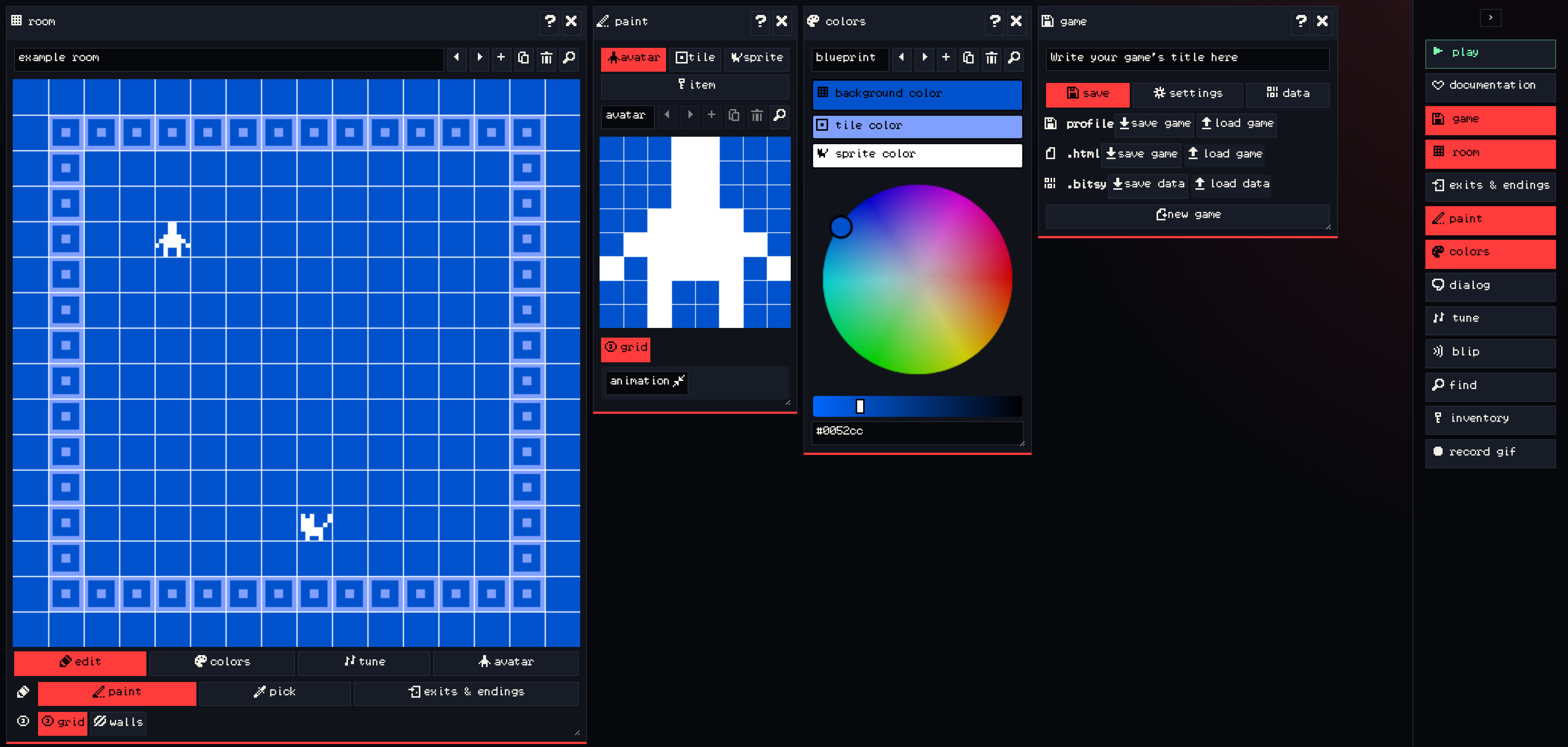
The Bitsy editor with the room, paint, colors and game windows open and the toolbar expanded
The editor with the toolbar expanded to show tool names

The ‹ button at the top of the toolbar expands it to show each tool’s name.

New to Bitsy? Start with the tutorials, then come back here when you want the details of one tool.
Play mode

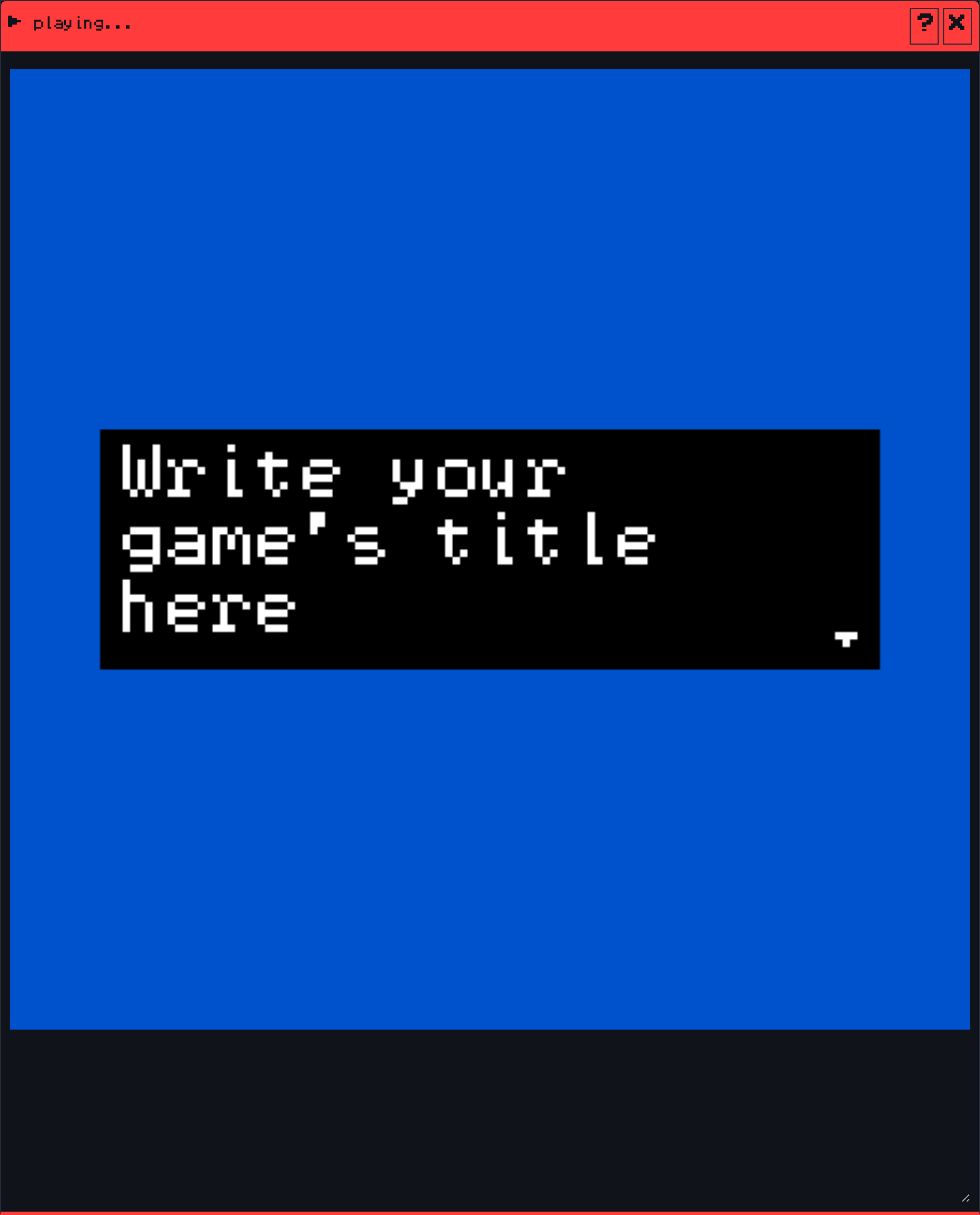
Play mode

157 words·1 min
The play button: try your game in the editor with the same engine VGC Zero uses.
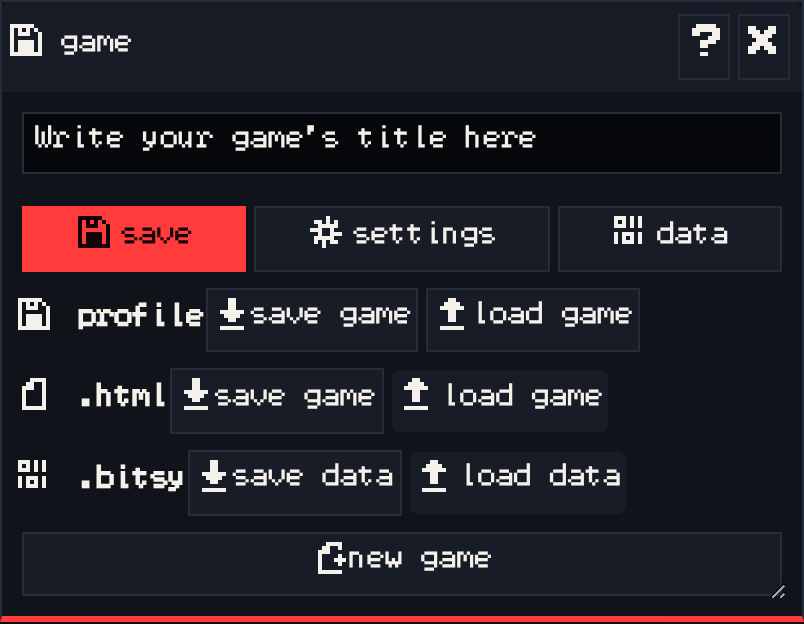
Game

Game

254 words·2 mins
Your game’s title, saving and loading, game settings like the font, and the raw game data.
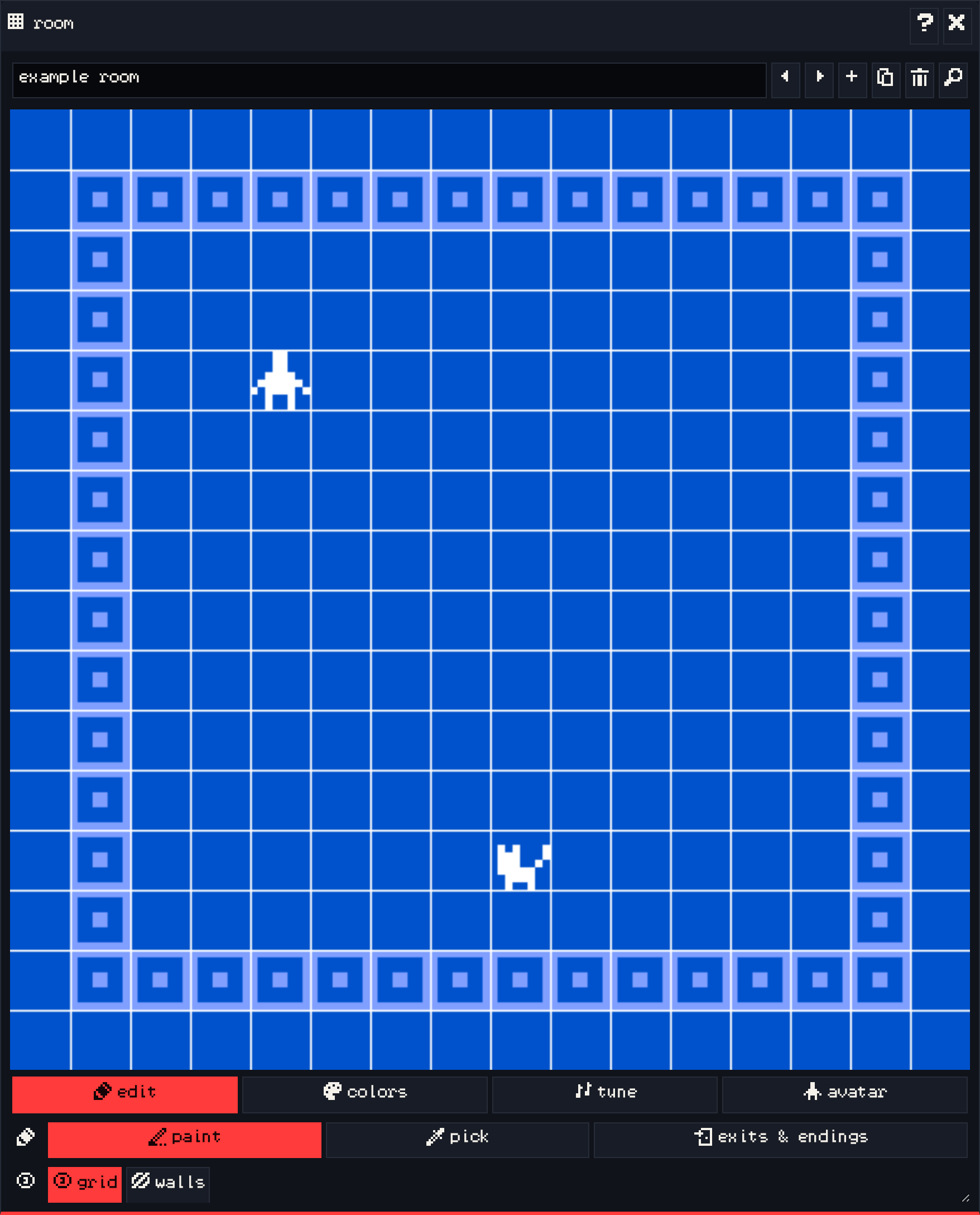
Room

Room

254 words·2 mins
Place tiles, sprites and items, add rooms, and set each room’s colors, music and avatar.
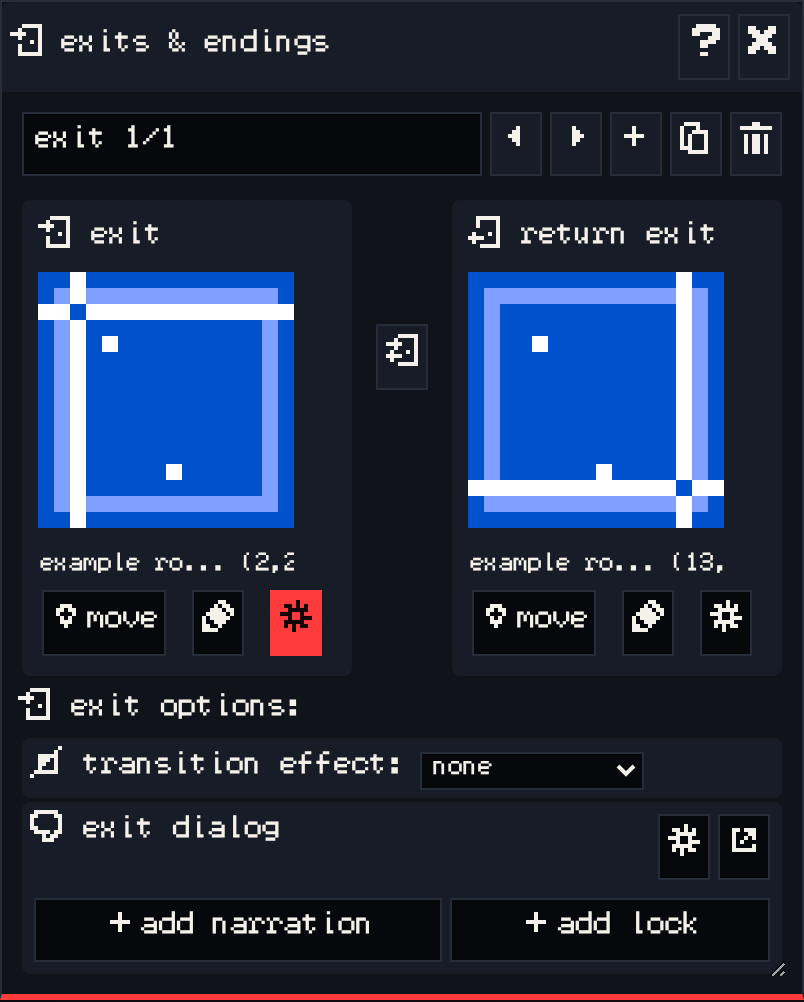
Exits & endings

Exits & endings

233 words·2 mins
Connect rooms with exits, add endings, pick transitions, and lock doors.
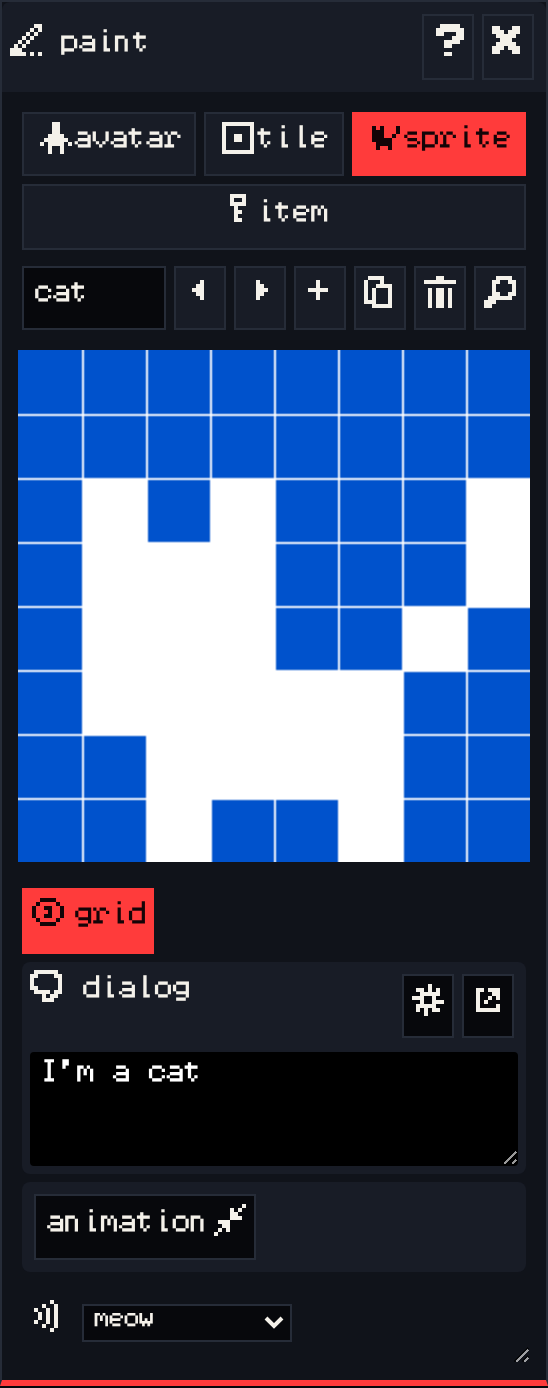
Paint

Paint

258 words·2 mins
Draw the avatar, tiles, sprites and items, and set walls, animation, dialog and sounds.
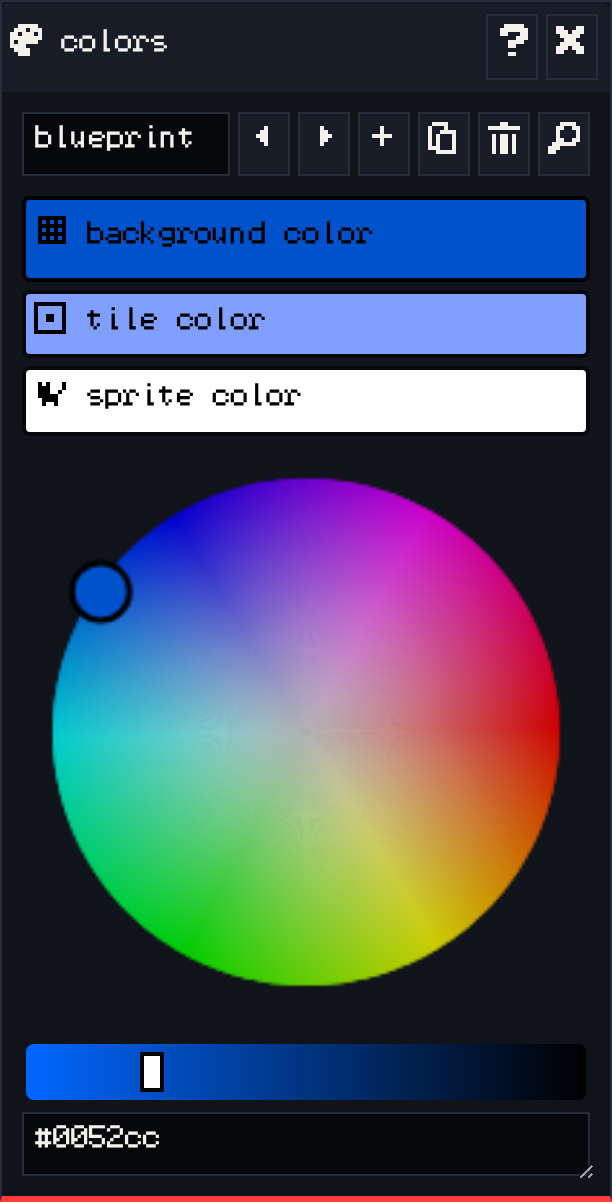
Colors

Colors

185 words·1 min
Make and edit the three-color palettes your rooms use.
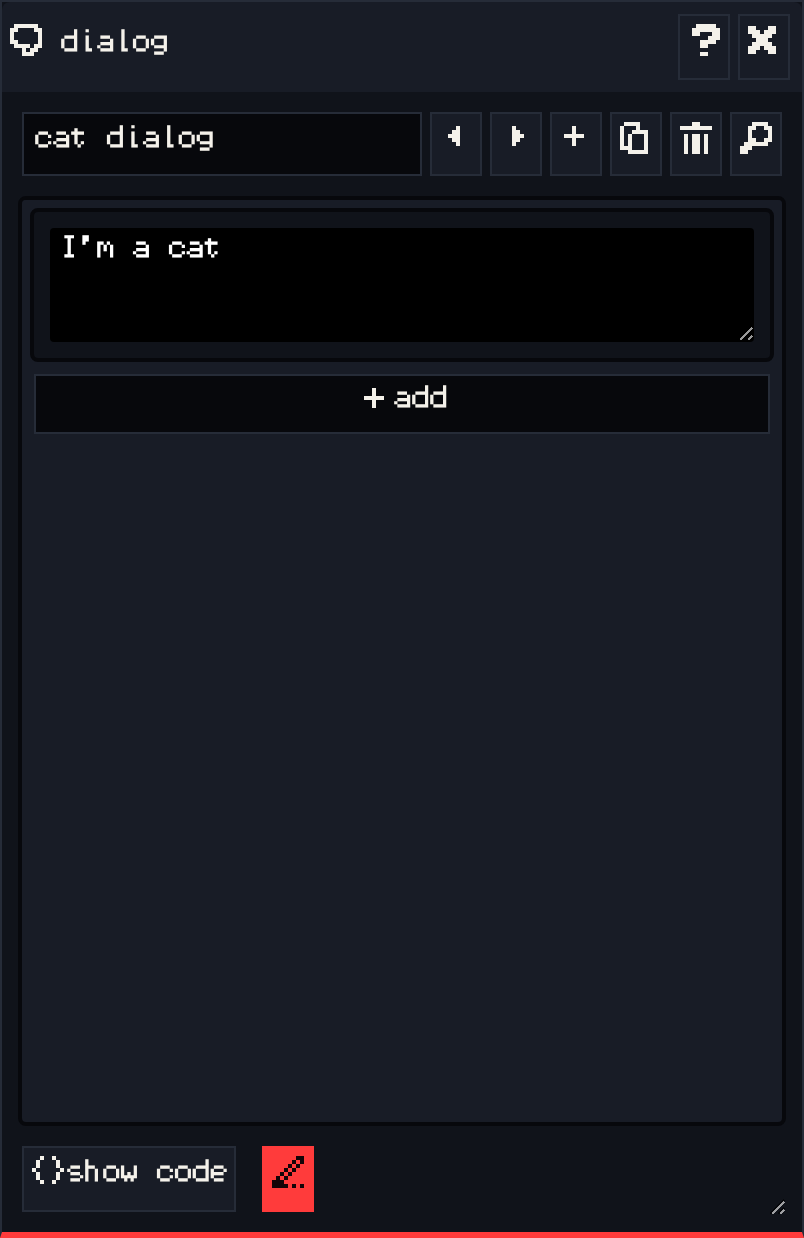
Dialog

Dialog

297 words·2 mins
Write and script what sprites, items, exits and endings say, with lists, branches and actions.
Tune

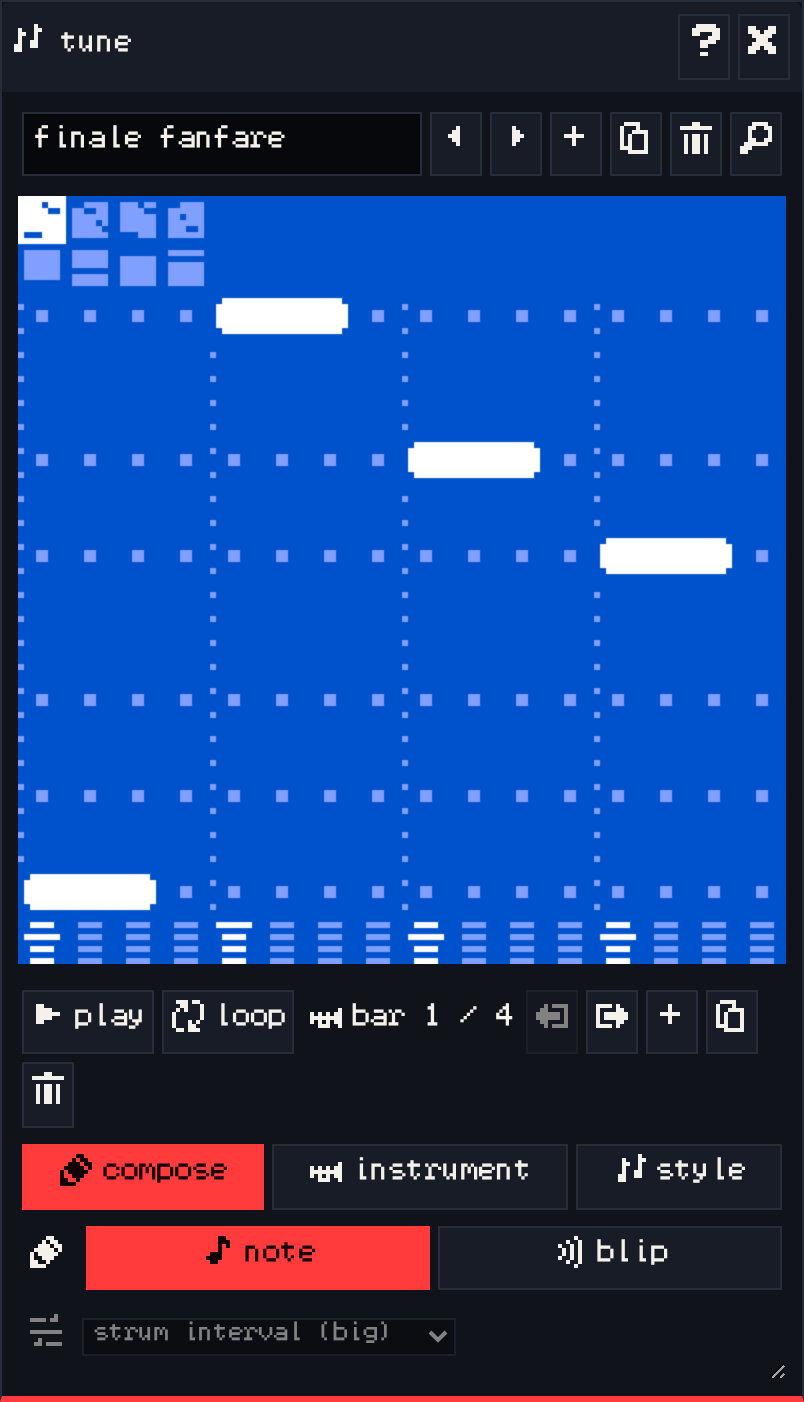
Tune

211 words·1 min
Write background music for your rooms.
Blip

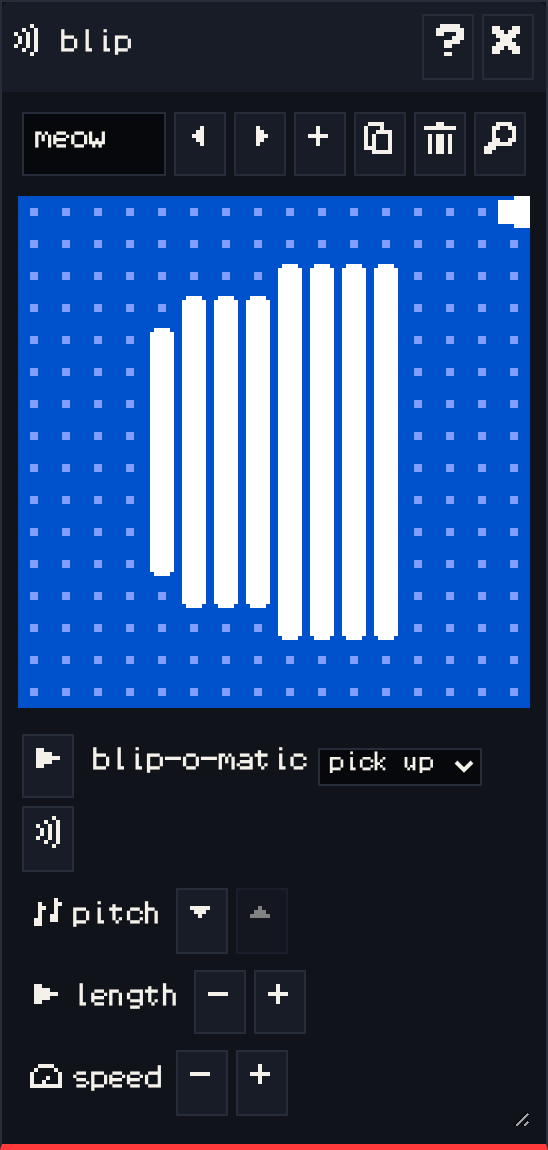
Blip

121 words·1 min
Make short sound effects for sprites, items and tunes.
Find

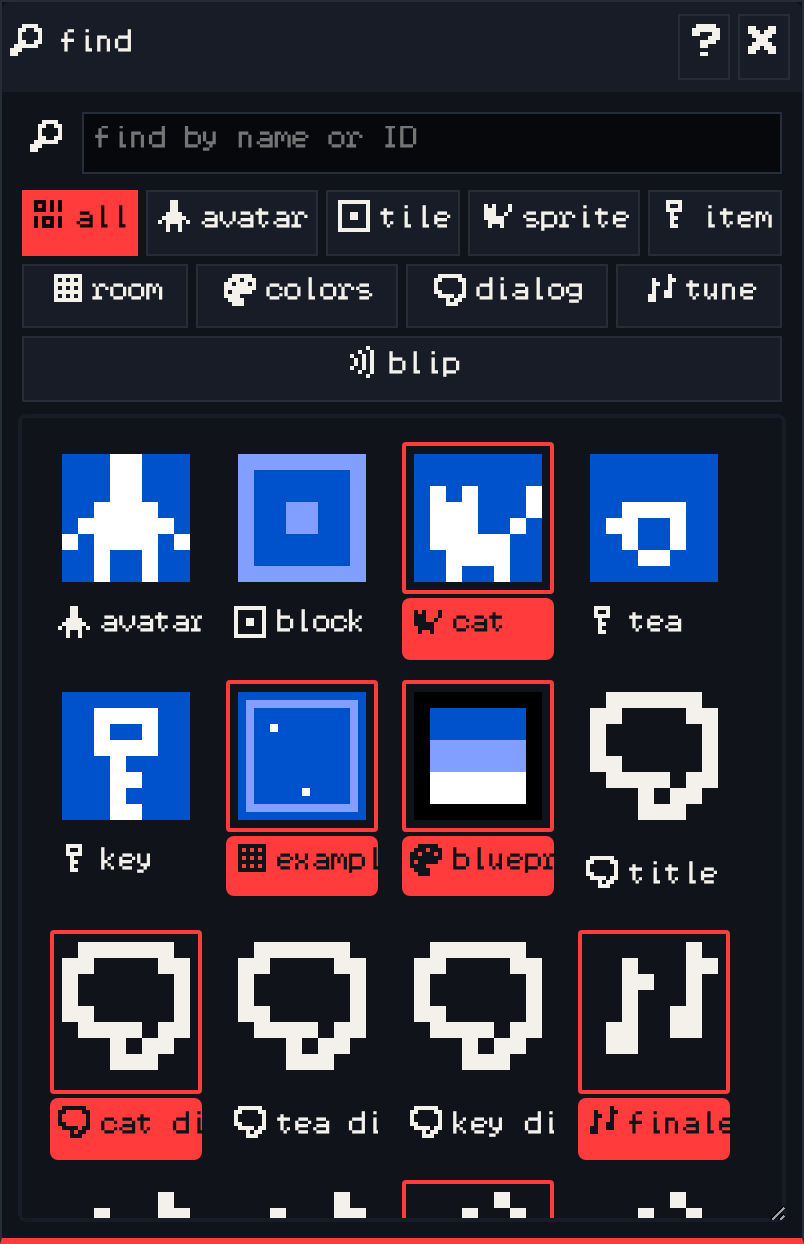
Find

101 words·1 min
Search everything in your game by name and jump straight to it.