Bitsy is a tiny game engine for small games, worlds and stories. You paint rooms out of 8×8 pixel tiles, put characters and items in them, write what the characters say, and link rooms together. There is no code to write.
A Bitsy room is 16×16 tiles of 8×8 pixels, which is exactly 128×128 pixels: the size of the VGC Zero screen. Games you make in the editor run on the handheld at their native resolution through Citsy, our Bitsy player.
Open the editor #
The Bitsy editor is built into the Chili platform as the Creator.
- Create an account on the Chili platform and verify your email address. You can open the editor without verifying, but you need a verified address to save.
- Sign in and open the Creator.
- You start with a new game. Changes save to your account automatically; the editor shows whether it is saving, saved, or could not save.
Every game you save appears in the Projects tab of your profile. Choose New game there to start another one. Inside the editor, the game window’s load game lists the games saved on your account so you can switch between them.
A tour of the editor #
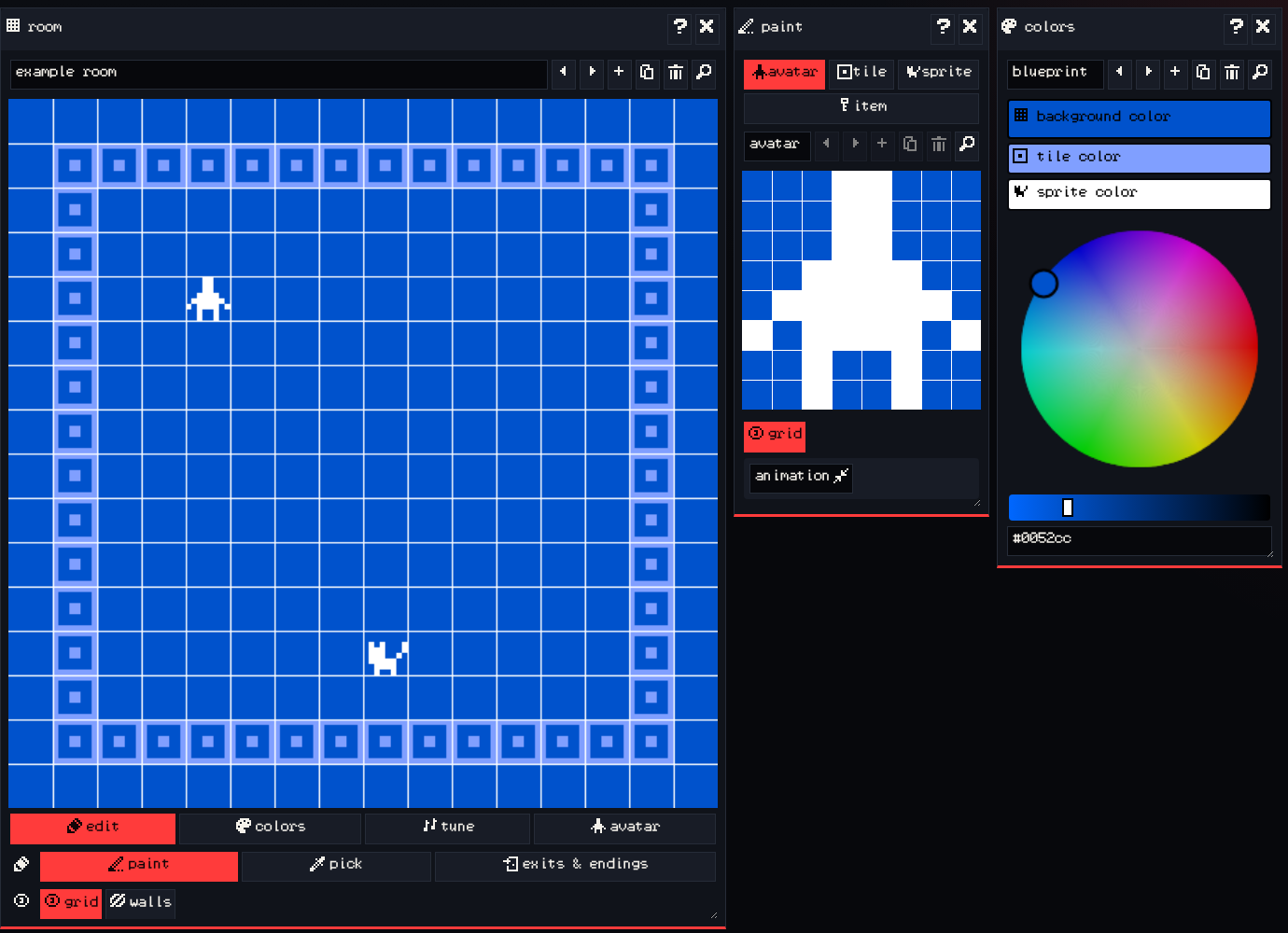
The editor is made of windows (the Bitsy editor calls them cards). The toolbar along the right edge shows or hides each one, and you can drag a window by its title bar to move it.
| Window | What it is for |
|---|---|
| game | Your game’s title, saving and loading (to your Chili account or as a file), and game settings like the font. |
| room | The game world. Place tiles, sprites and items, and switch between rooms. |
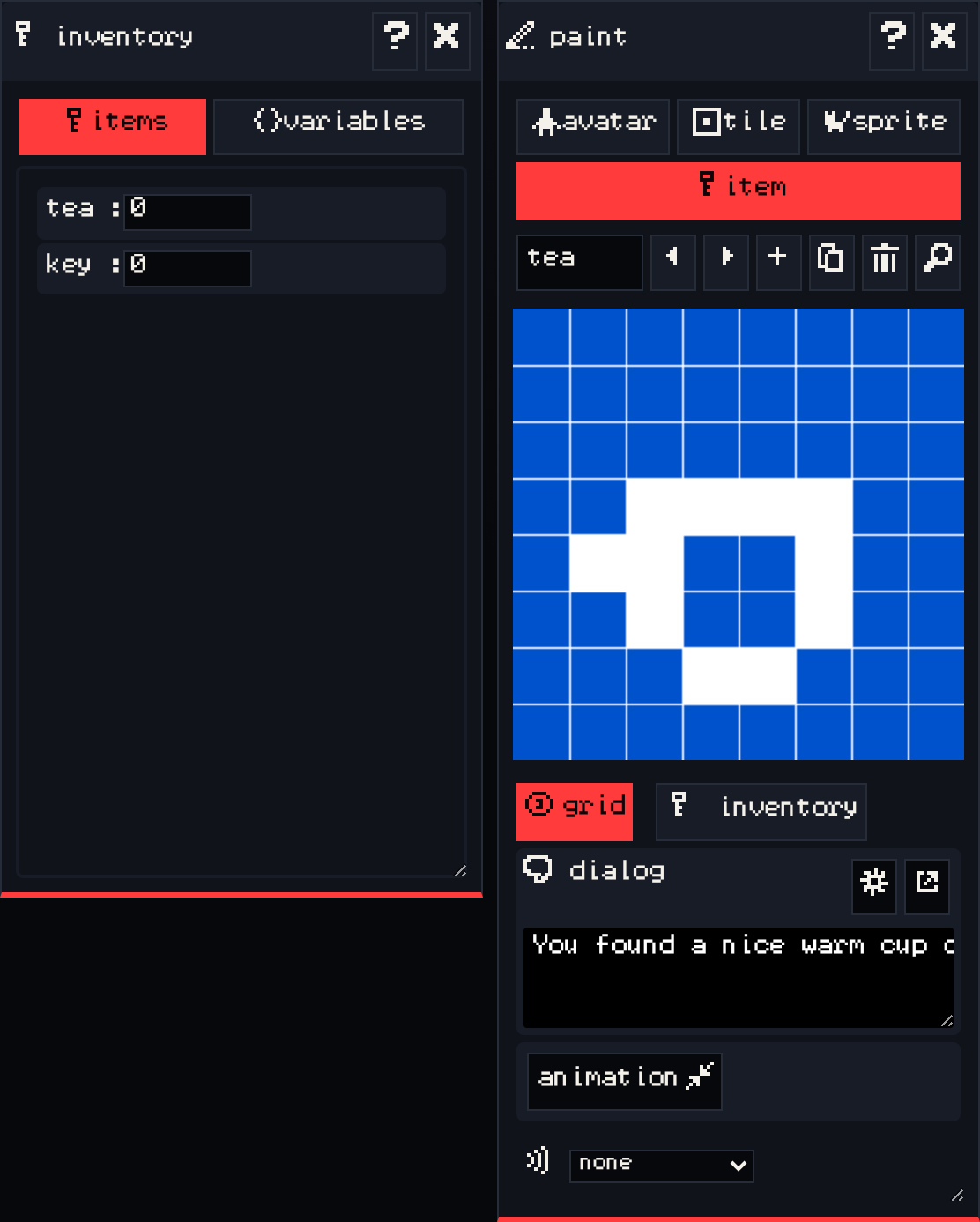
| paint | Draw the avatar, tiles, sprites and items. |
| colors | Edit the color palettes rooms use. |
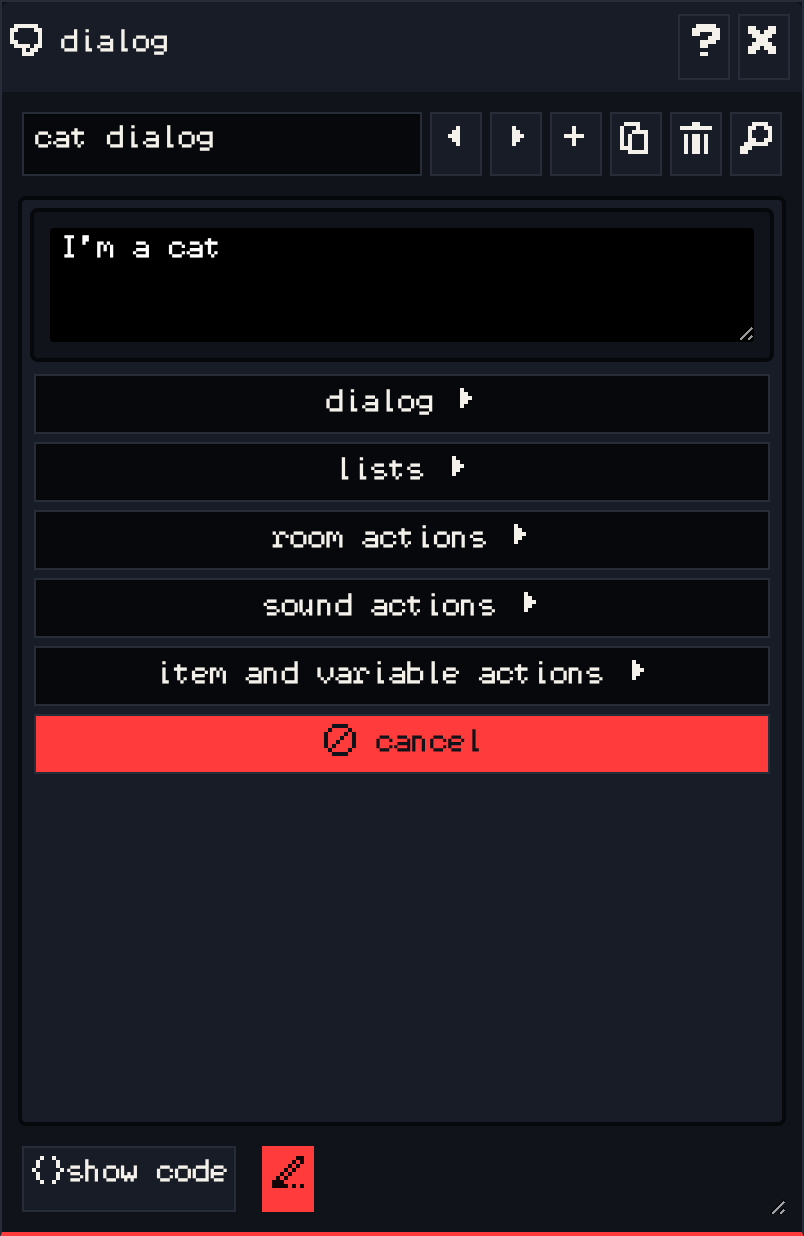
| dialog | Write what sprites and items say, and add logic like conditions and variables. |
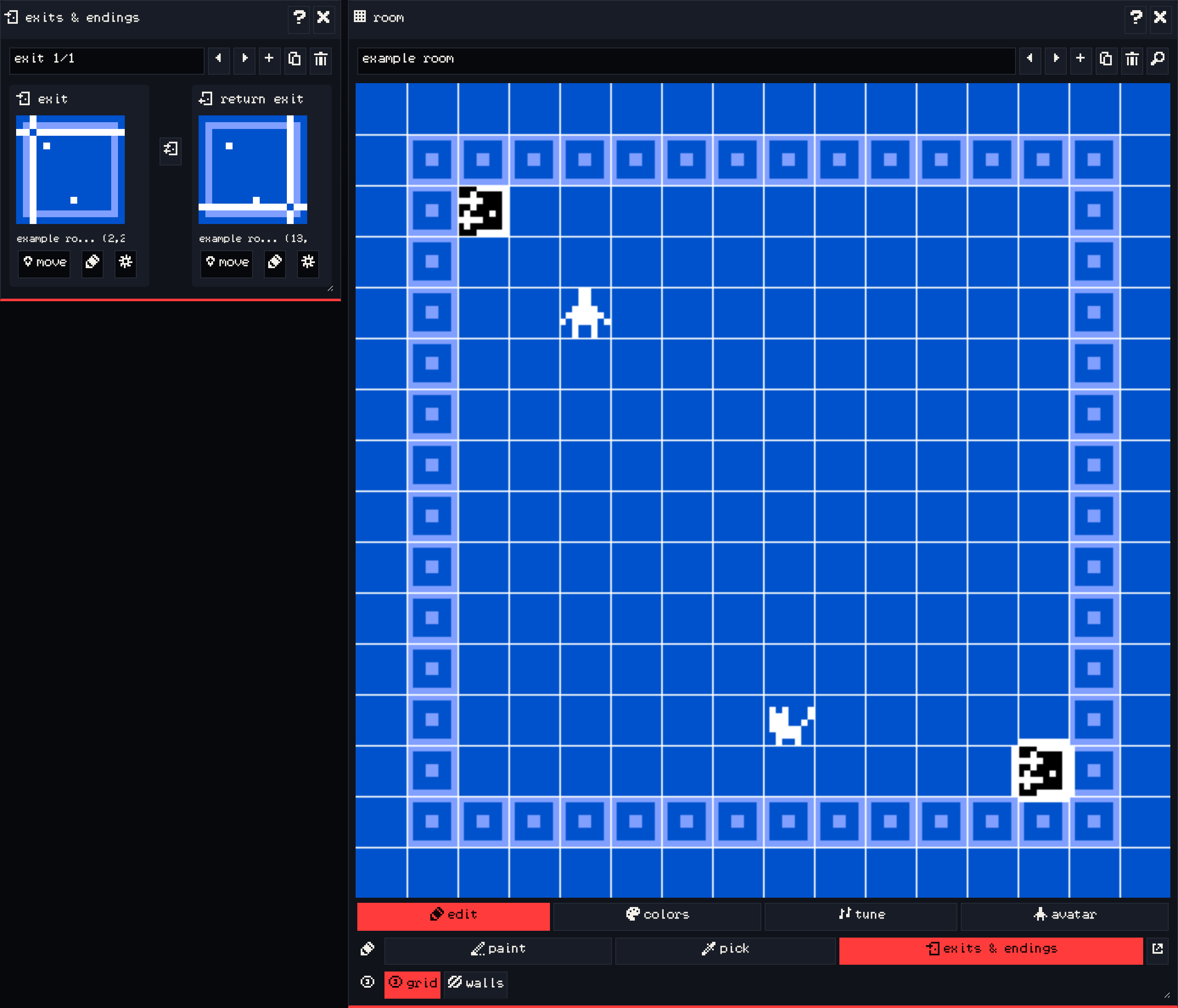
| exits & endings | Link rooms together and add endings. |
| inventory | Set what the player starts with, and watch items and variables while you play. |
| find | Search everything in your game by name. |
| documentation | The upstream Bitsy reference. Each window’s ? button opens its page. |
| tune and blip | Write background music for rooms and short sound effects. |
| record gif | Record a GIF of your game while it plays. |
The play button (the green triangle at the top of the toolbar) switches between editing and playing your game. Press it again to stop and go back to editing.
Each window has its own page under Editor tools.
The words Bitsy uses #
- Avatar: the character the player controls. There is one per game.
- Tile: a piece of scenery. A tile can be a wall that the avatar cannot walk through.
- Sprite: a character or object the avatar can walk into to start a conversation.
- Item: something the avatar picks up by walking over it. It goes into the inventory.
- Exit: a spot in a room that moves the avatar to another room.
- Ending: a spot that ends the game with a final message.
Next #
Start building the world in Rooms.