Editor tools
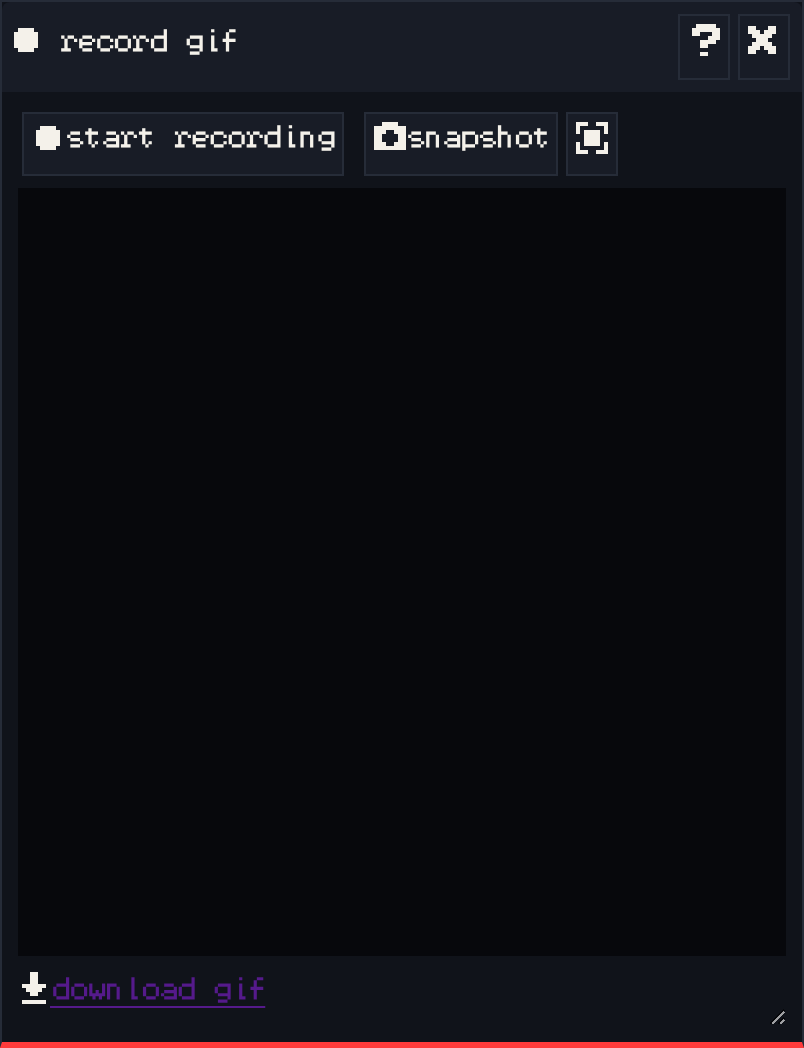
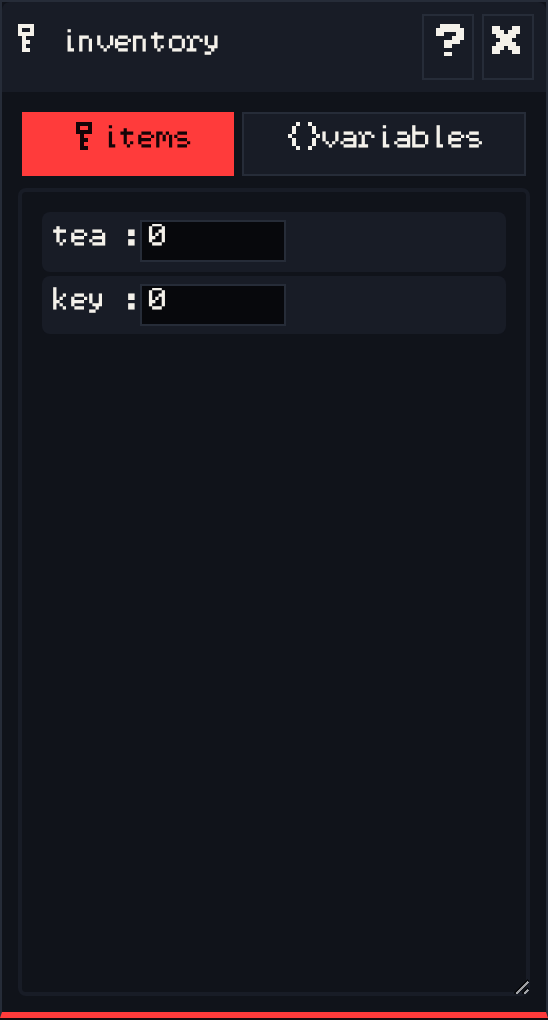
A reference page for each window in the Bitsy editor in the Chili Creator, in the order they appear in the toolbar on the right edge of the editor. Each toolbar button shows or hides its window, every window can be dragged by its title bar, and each window’s ? button opens the upstream Bitsy documentation for it.
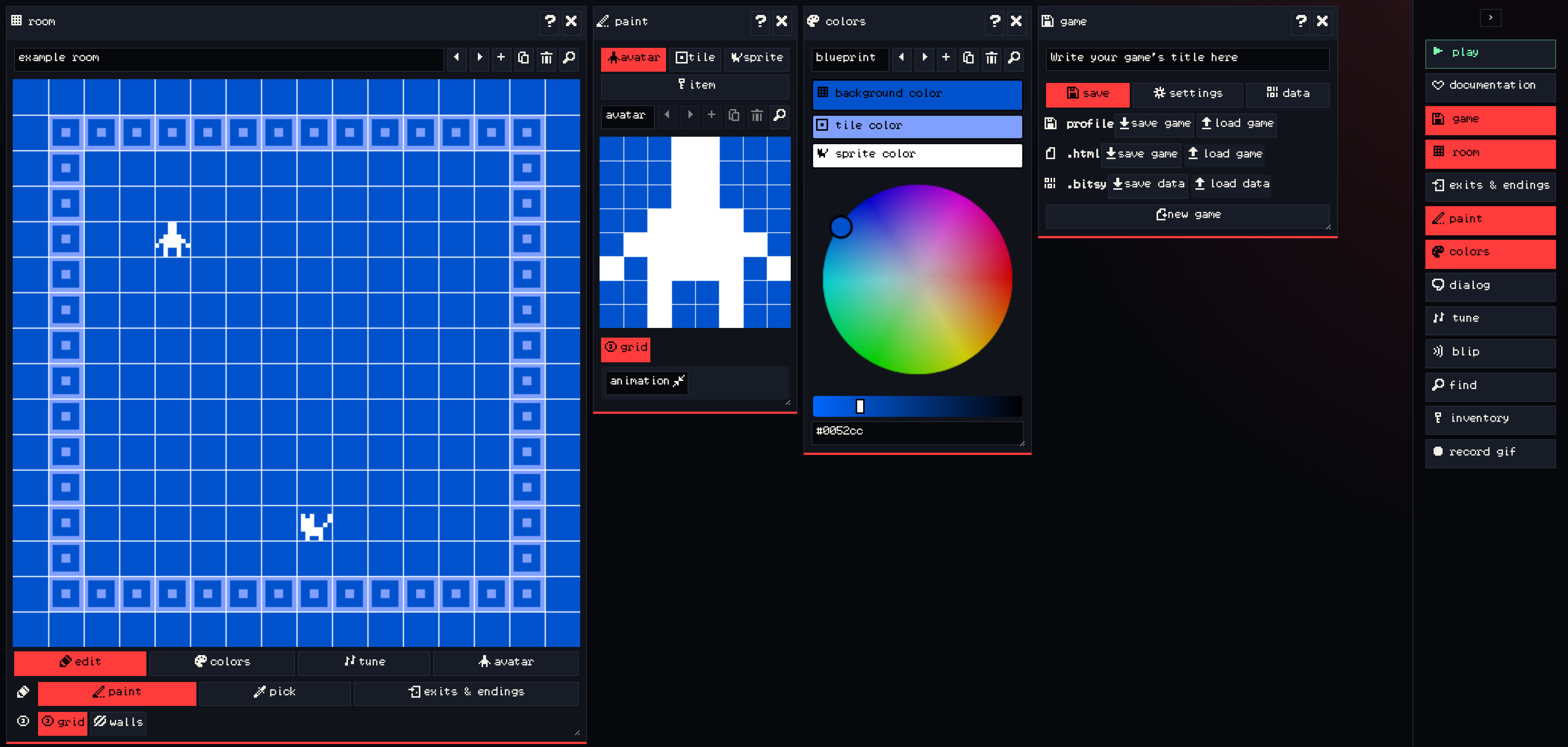
The ‹ button at the top of the toolbar expands it to show each tool’s name.
New to Bitsy? Start with the tutorials, then come back here when you want the details of one tool.