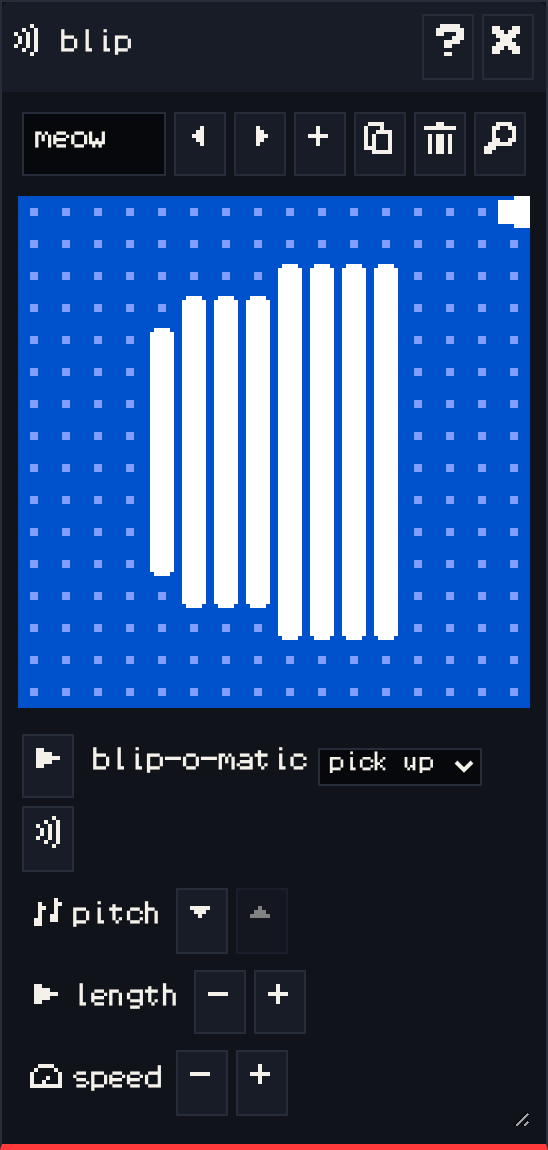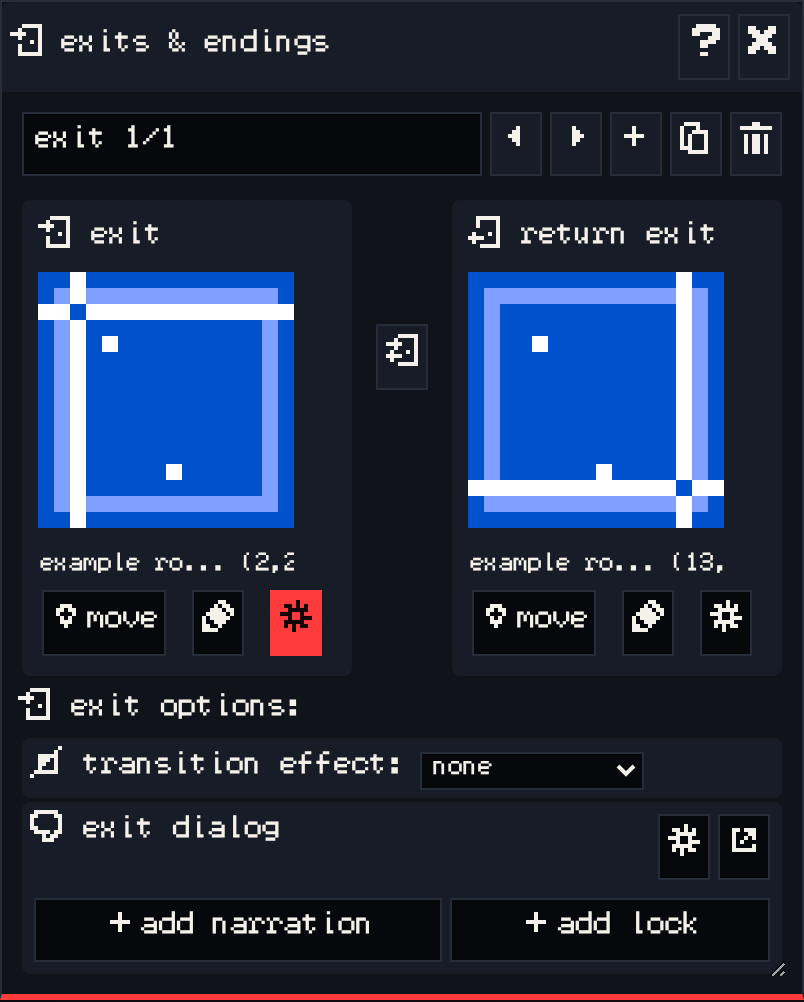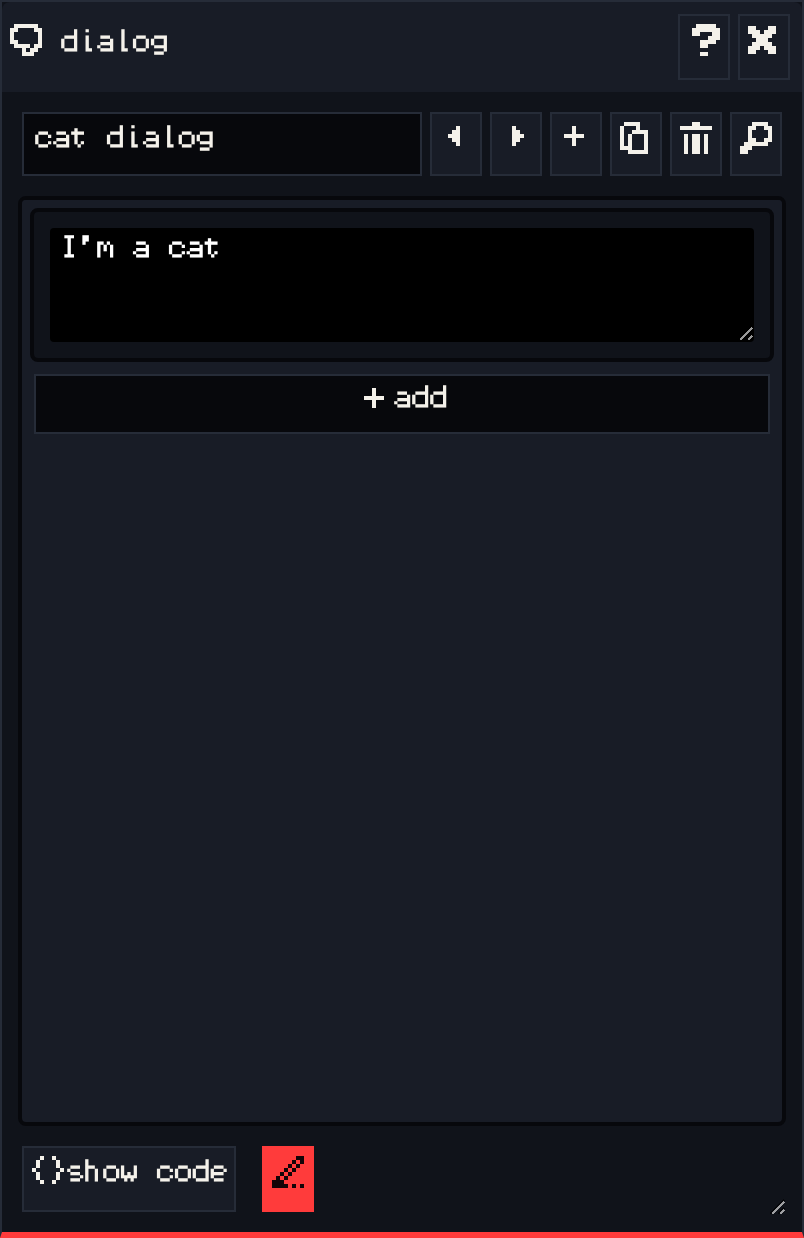
The dialog window edits the text your game shows, and the logic around it. Every sprite, item, exit and ending can have a dialog; the dialog bar at the top steps through all of them by name.
Selecting a sprite or item in the paint window opens its dialog here.
Writing text #
Type in a text block. Long text wraps onto pages automatically, and the player advances with A on VGC Zero or Z on a keyboard. Select some text to apply text effects: wavy, shaky, rainbow, or a palette color.
add #
add inserts a new block below. The choices are:
| Group | Blocks |
|---|---|
| dialog | dialog (a plain text block) and pagebreak (starts a new page). |
| lists | sequence list (each line once, then repeats the last), cycle list (loops), shuffle list (random each time), and branching list (shows the first branch whose condition is true: an item branch, a variable branch, or the default branch). |
| room actions | exit (move the player to a room and position, with an optional transition), end (stop the game), lock / unlock (for exits and endings), palette (change the room’s colors), avatar (change the avatar’s drawing). |
| sound actions | blip (play a sound effect) and tune (change the music). |
| item and variable actions | set item count, increase item count, decrease item count, say item count, set variable value, change variable value. |
Each block has its own controls, so you build logic by clicking instead of typing code.
Other controls #
- show code shows the Bitsy script behind the blocks. You can edit it directly.
- preview shows the text the way it looks in the game.
- The pencil button keeps showing the dialog of whatever drawing is selected in the paint window.
See also: Dialogue.