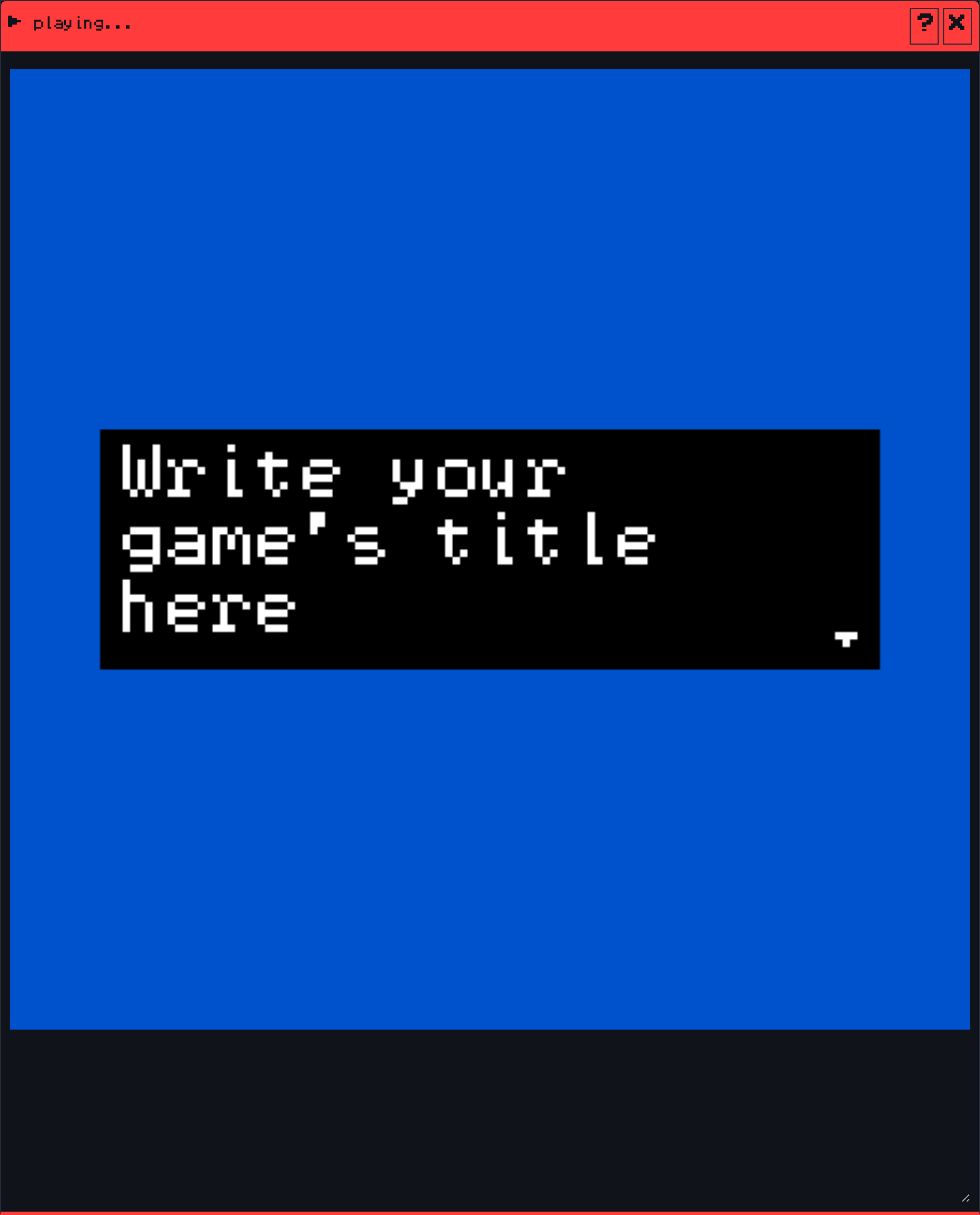
The play button, the green triangle at the top of the toolbar, runs your game inside the room window. The window’s title bar turns red and reads playing…. Press play again to stop and go back to editing.
The Creator plays your game with Citsy, the engine that runs Bitsy games on VGC Zero, so what you see here is what the handheld shows.
Controls #
| Action | Keyboard | VGC Zero |
|---|---|---|
| Walk | Arrow keys or WASD | D-pad |
| Talk, advance dialog | Z | A |
While you play #
- save image appears in the toolbar. It saves the current frame as your game’s cover picture on the platform.
- The inventory window updates live, so you can watch items and variables change.
- record gif can capture a GIF of what is on screen.
Play always starts from the beginning: the title, then the room the avatar starts in.
See also: Test and publish your game.