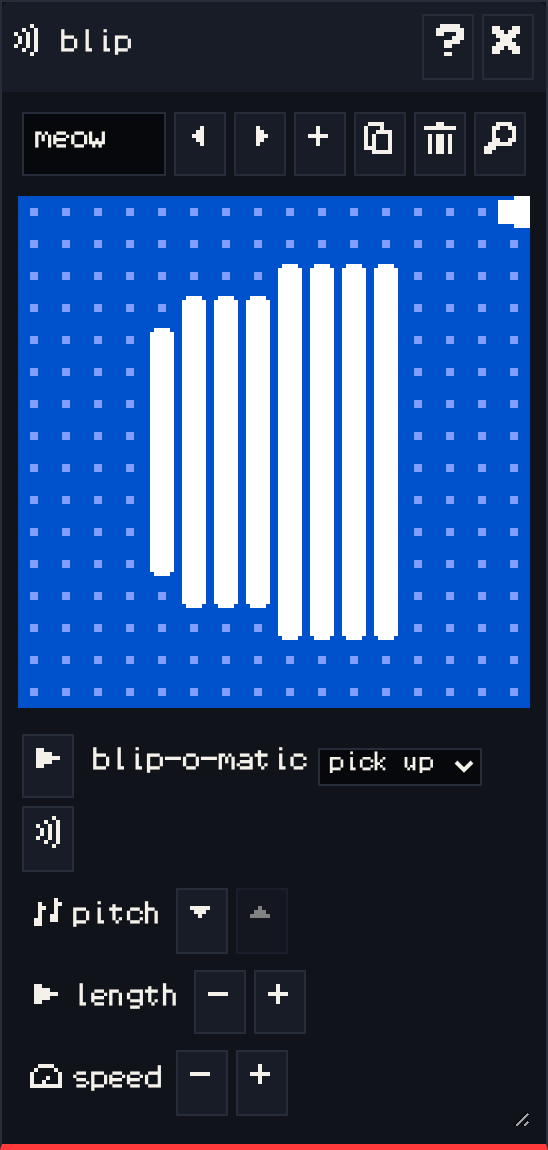
The blip window makes short sound effects. Attach a blip to a sprite or item in the paint window, and it plays when the avatar interacts with it. Blips can also be used as notes in a tune.
Editing a blip #
- The play button plays the blip.
- blip-o-matic generates a new sound from a category: pick up, greeting, bloop, bleep, magic, meow, random, or mutate (a variation on the current blip). The button next to it regenerates.
- pitch: higher or lower.
- length: how long it plays.
- speed: how quickly the pitch changes.
The bar at the top names the blip and has the usual previous, next, add, duplicate, delete and find buttons.