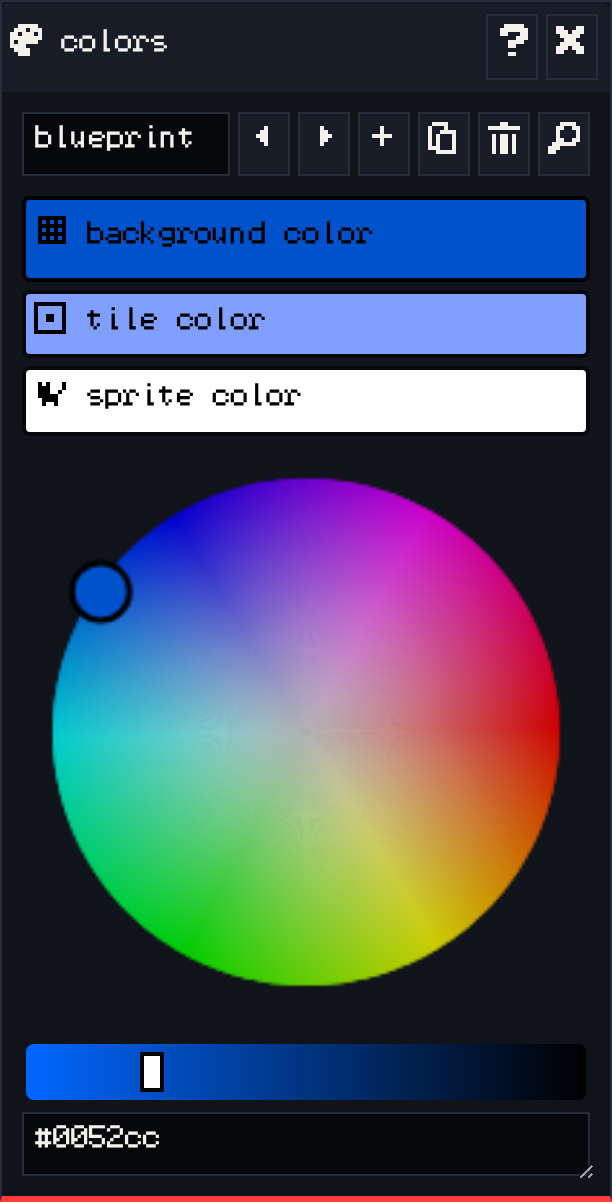
The colors window edits palettes. Every palette has three colors:
- background color: empty space, and the unfilled pixels of every drawing.
- tile color: tiles.
- sprite color: the avatar, sprites and items.
Editing a palette #
- Select one of the three colors.
- Pick a new color on the wheel, adjust how light or dark it is with the slider, or type a hex code like
#0052ccin the box underneath.
The room window updates as you go.
More palettes #
The palette bar works like the others: the name box, previous, next, add, duplicate, delete, and find. Choose which palette a room uses in the room window’s colors tab, so each room can have its own mood.
Tips #
- Keep strong contrast between the background and sprite colors so characters stand out on the small screen.
- A palette with a dark background and light sprites reads well on the VGC Zero display.
- Games can use extended palettes with more colors through the raw game data, but three colors are what the editor is built around.
See also: Rooms.