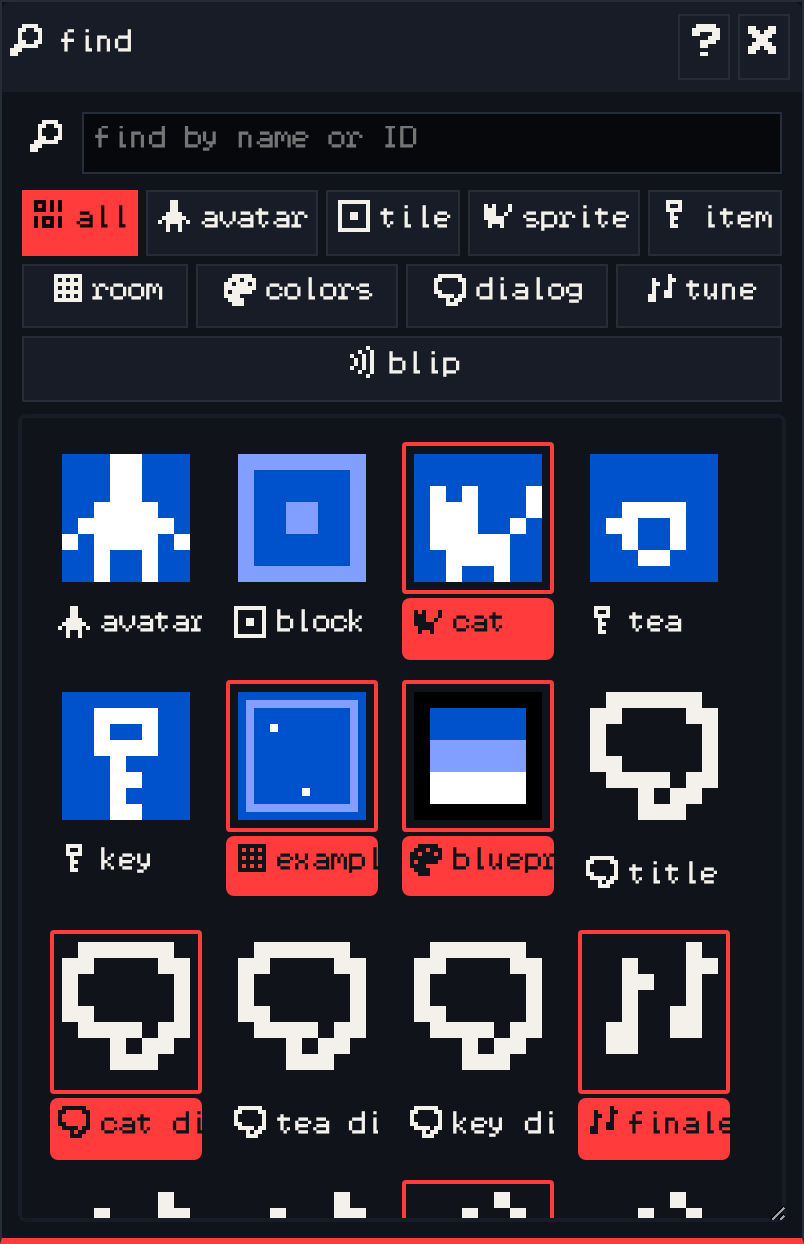
The find window lists everything in your game: drawings, rooms, palettes, dialogs, tunes and blips.
- Type in find by name or ID to filter the list.
- The category buttons show only one kind: all, avatar, tile, sprite, item, room, colors, dialog, tune or blip.
- Click a result to select it in its own window.
Things that are currently selected are highlighted. The magnifying glass button in every other window opens find already filtered to that window’s category.
Naming your drawings, rooms and dialogs makes find much more useful as a game grows.