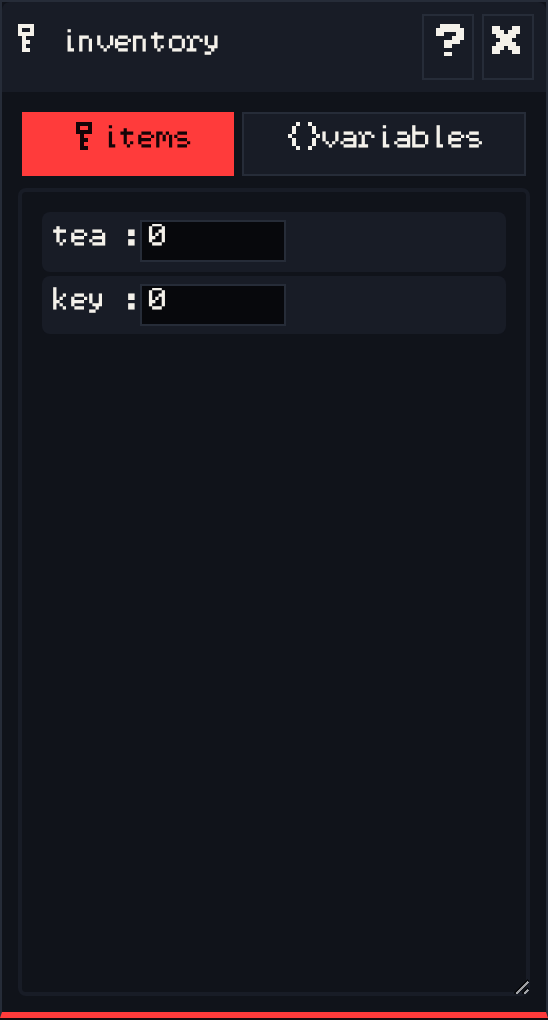
The inventory window has two tabs.
items #
Every item in your game with a count. While editing, the count is how many the player starts with, usually 0. While playing, the counts update live as the player picks things up, so you can check your item logic.
variables #
Named values your dialog can read and change, like met_the_cat or coins. Add a variable here and set its starting value. While playing, the values update live.
Use variables for anything the game should remember that is not a physical item: whether a door is open, how many times the player has talked to someone, or which path they chose.
See also: Items.