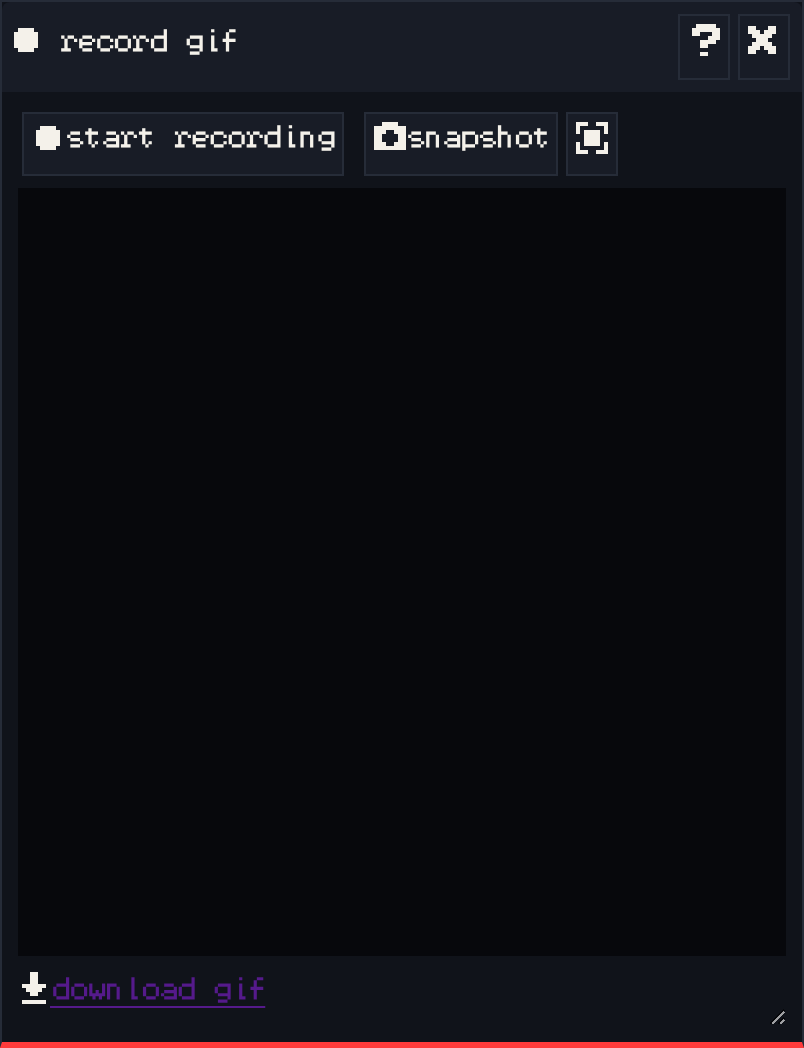
The record gif window captures your game as an animated GIF, handy for sharing on the forum, Discord, or your marketplace page.
- Start play mode.
- Press start recording, play the part you want to show, then press stop recording. The GIF takes a moment to encode.
- Press download gif to save it.
snapshot saves a single picture of the current room instead. The button next to it switches the snapshot mode.
To set your game’s cover picture on the platform, use save image in play mode instead.