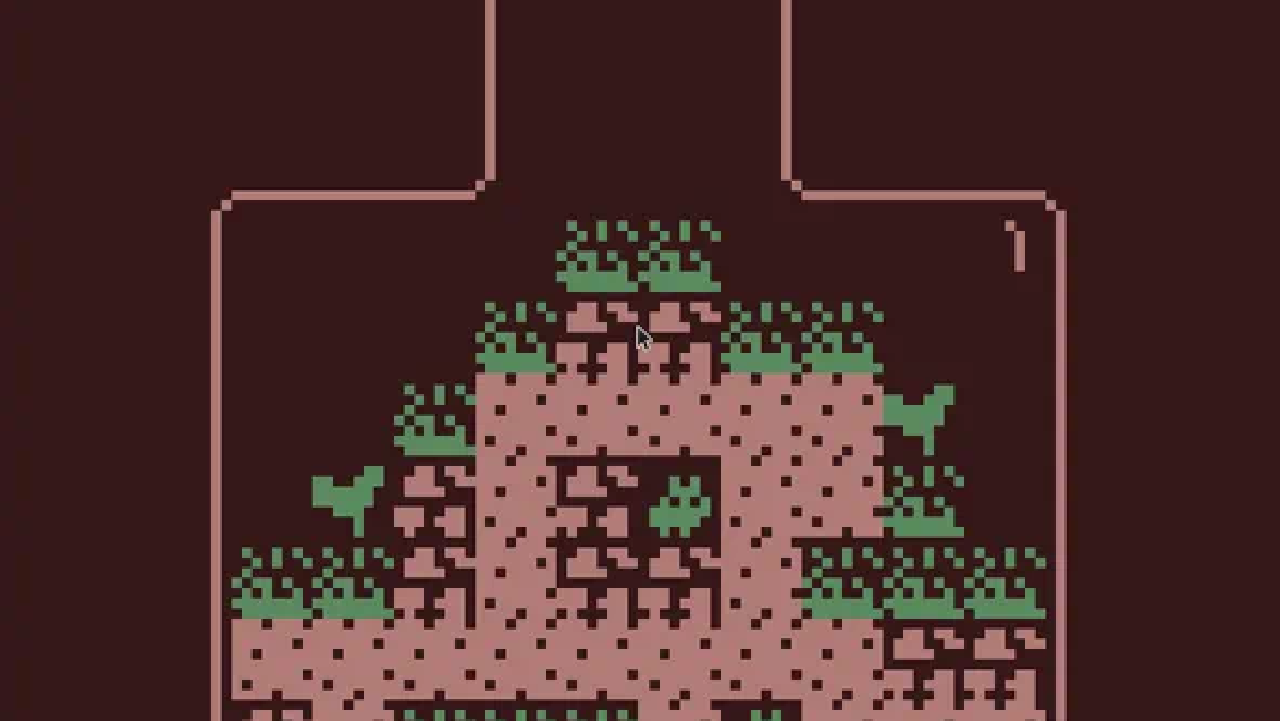
🚀 Today we’re launching citsy — a native C++ runtime for Bitsy games, built for VGC Zero.
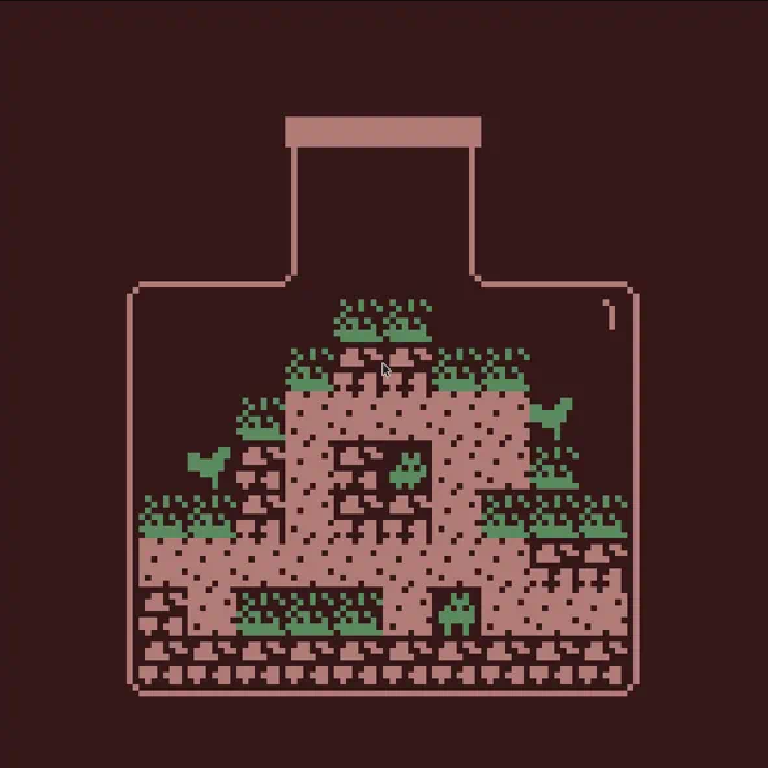
Bitsy is the little engine for little games, worlds, and stories. Its rooms are 16×16 tiles of 8×8 pixels. That is exactly 128×128 — the same resolution as VGC Zero’s screen, and the same room size as the Chili Room Editor. No scaling tricks. One pixel on the editor is one pixel on the handheld.
TL;DR #
Author a game at bitsy.org, export a .bitsy file, and play it on VGC Zero, 32blit, desktop, or the web. The engine is headless C++20; a 32blit host drawn from our game template maps buttons, blits the framebuffer, and plays square-wave audio.
Why Bitsy belongs on VGC Zero #
VGC Zero is a pocket-scale, open hardware handheld. Games should be small enough to carry, share, and finish. Bitsy already lives in that world:
- Fixed 128×128 world — 16 tiles × 8 pixels, native on the VGC display
- Tiny text files — a whole adventure is a
.bitsyexport you can drop on an SD card - No C++ required to author — paint rooms, dialog, and items in the Bitsy editor
- Deterministic simulation — rooms, exits, inventory, and dialog scripts with a predictable update order
The official Bitsy runtime is JavaScript in the browser. That is perfect for the editor. It is the wrong shape for an RP2350 with hundreds of kilobytes of RAM. citsy is a clean-room C++ reimplementation of the engine: parse the file, simulate the world, write a 128×128 color-index buffer. It is not affiliated with Adam Le Doux or the official Bitsy project; .bitsy files from the editor are the interchange format.
Two repositories #
| Piece | Role |
|---|---|
| citsy | Headless engine. No window, no GPU, no audio library. Implements a Host System API the front-end fills in. |
| citsy-32blit | 32blit player. Implements citsy::Host, a retro launcher, and RP2350 glue. Same binary targets desktop SDL and VGC Zero. |
The core library never links 32blit. Each frame the host reports time and six logical buttons (Up Down Left Right Ok Menu). The engine steps movement, collisions, dialog, transitions, and two square-wave channels, then calls present() with the palette and buffers. The player palettes that 128×128 index buffer and integer-scales it — 1× on the OLED.
Play it now #
The web build is live. Click to focus, then use the keys below.
Open game in a new tabControls #
| Action | VGC Zero / 32blit | Desktop / web |
|---|---|---|
| Move cursor / walk | D-pad | Arrows or WASD |
| Confirm / interact | A | Z |
| Back / cancel | B | X |
| Settings | X or MENU (launcher) | C or Escape |
| Pause overlay | MENU in-game | Escape or 2 |
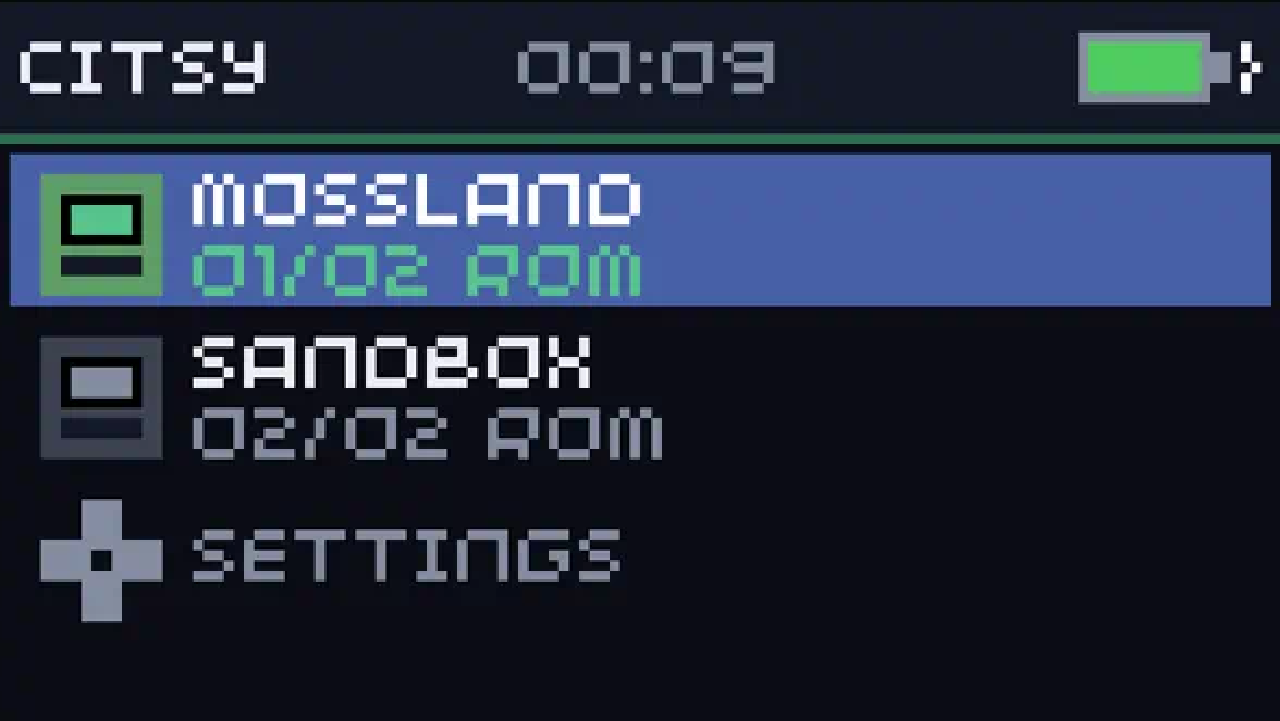
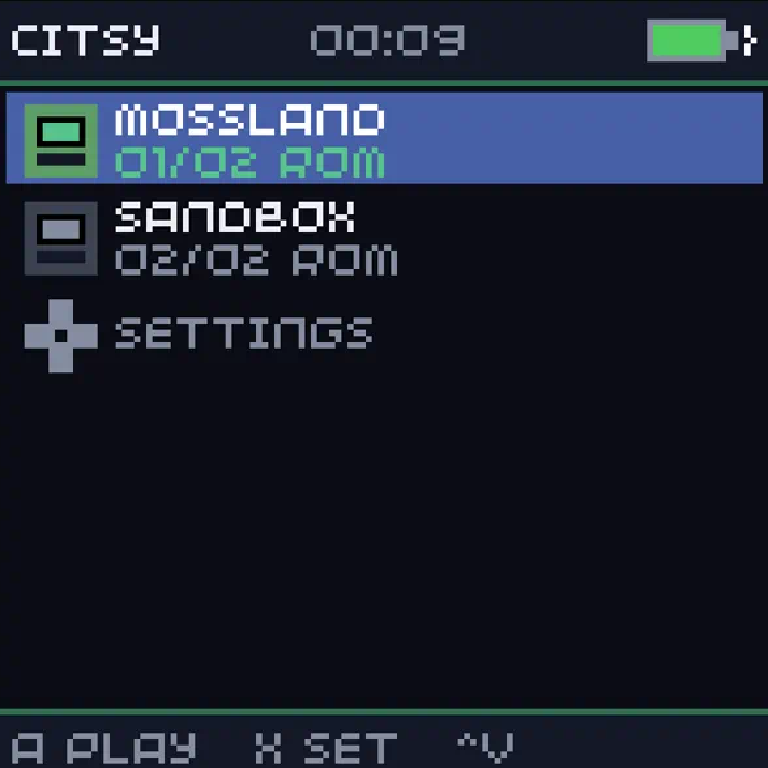
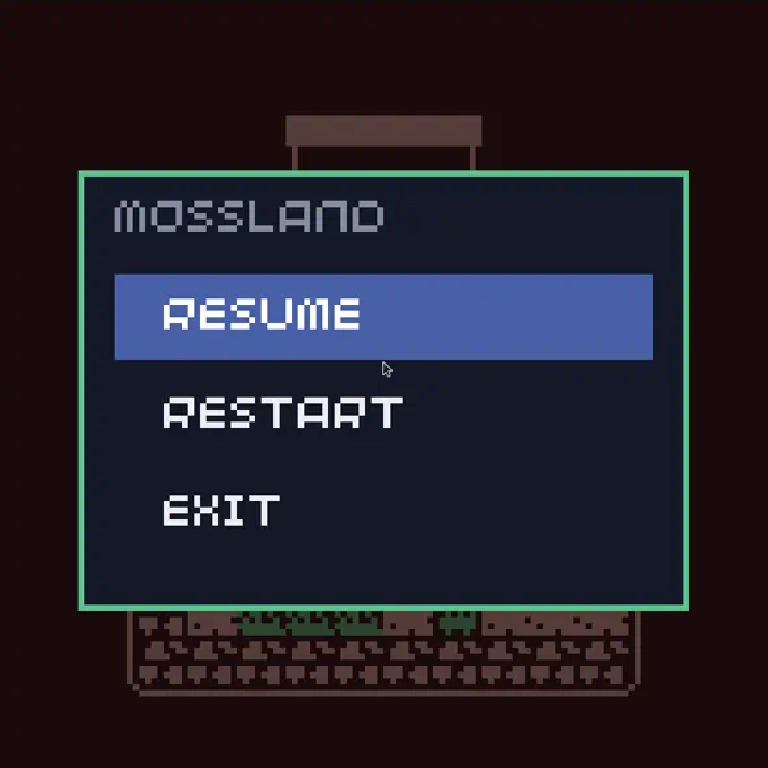
The launcher lists bundled Mossland and Sandbox. Press A to start a game. MENU opens Resume / Restart / Exit.
Make a game, skip the toolchain #
- Open bitsy.org and paint a room.
- Export a
.bitsyfile. - Play it:
- Web / desktop — drop the file next to the binary (or in
games/) and pick it in the launcher, or pass--launch_path /path/to/game.bitsy - VGC Zero — extra
.bitsyfiles on the filesystem / SD card show up in the same list - Flash — grab a UF2 from the citsy-32blit releases and copy it to the Pico while it is in BOOTSEL
You do not need our C++ SDK to author a citsy game. You need it if you want to embed the engine in your own host.
What the engine already does #
Development was staged. Phases 0–4 of the engine roadmap are in:
- Parser & model — palettes, tiles, sprites, items, rooms, dialog, variables, endings, tunes, blips
- Playable core — avatar movement, wall collision, room compositing, exits, linear dialog
- Scripting — variables, conditionals, inventory give/take,
{end}/{exit} - Polish — 400 ms flipbook animation, fade/wave/tunnel/slide transitions, custom fonts, RTL text, two sound channels
- 32blit player — load from packed assets, disk, or
--launch_path
Extended palettes (COL n), comma-separated and legacy room formats, and .bitsyfont glyphs are supported. Compatibility is fixture-tested against sample games in CI — no GPU required (MockHost records every frame).
Engine docs live at teriyakigod.github.io/citsy.
The handheld host #
citsy-32blit is generated from our game template and built with the chili-chip 32blit SDK. On device it is a 128×128 launcher designed around the VGC board (Waveshare RP2350 Plus, SSD1351 OLED):
- Game carousel with status bar (title, session clock, battery)
- Settings sliders for volume and brightness, persisted to 32blit save slot 0
- Battery sense on GPIO26 / ADC0 (1/3 divider); USB vs LiPo shown in the header
- Software brightness veil on OLED (no backlight pin); PWM if you wire one
- Square-wave audio on the two 32blit PWM channels, gated when paused
Latest player release: v0.1.2. CI publishes artifacts for the same six targets as our other SDK games:
- VGC Zero (RP2350 UF2)
- 32blit (STM32)
- Web (Emscripten)
- Windows
- macOS
- Linux
Player docs: citsy.chilichip.eu/docs.
Flash a VGC breadboard #
cmake --preset vgc
cmake --build --preset vgc
cp out/build/vgc/citsy-32blit.uf2 /media/$USER/RP2350/
Or download citsy-32blit-v0.1.2-VGC.zip from GitHub Releases. Hold BOOT, tap RESET, copy the UF2. On chili-chip VGC units you can also hold X and press power. See the breadboard prototype guide and the VGC notes in the SDK.
Embed it yourself #
The public API is small. Link citsy, implement citsy::Host, and feed it a file:
auto engine = citsy::Engine::from_file("my_game.bitsy");
MyHost host;
engine.start(host);
while (engine.is_running()) {
    engine.update(host);  // calls host.present()
}
CMake for a consumer project:
add_subdirectory(path/to/citsy)
target_link_libraries(my_app PRIVATE citsy)
Getting started, Host API, and the Bitsy data model are in the citsy docs.
Source #
citsy-32blit is MIT-licensed. Games you make in the Bitsy editor remain yours.
Try it #
Open the web player Citsy on the games page
Questions, .bitsy files, and hardware notes are welcome on Discord.