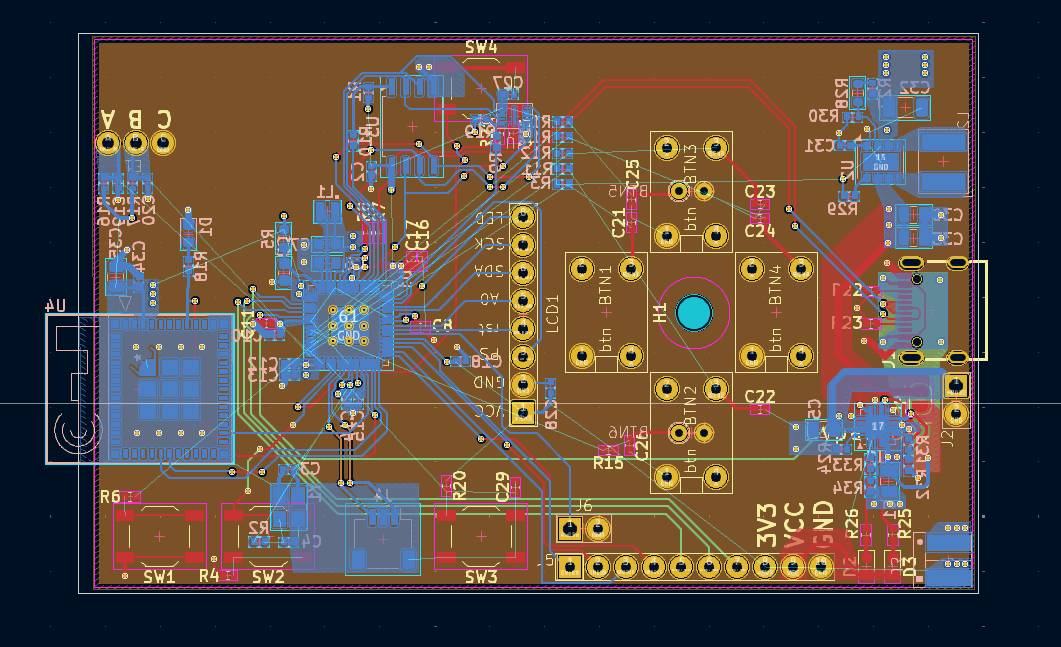
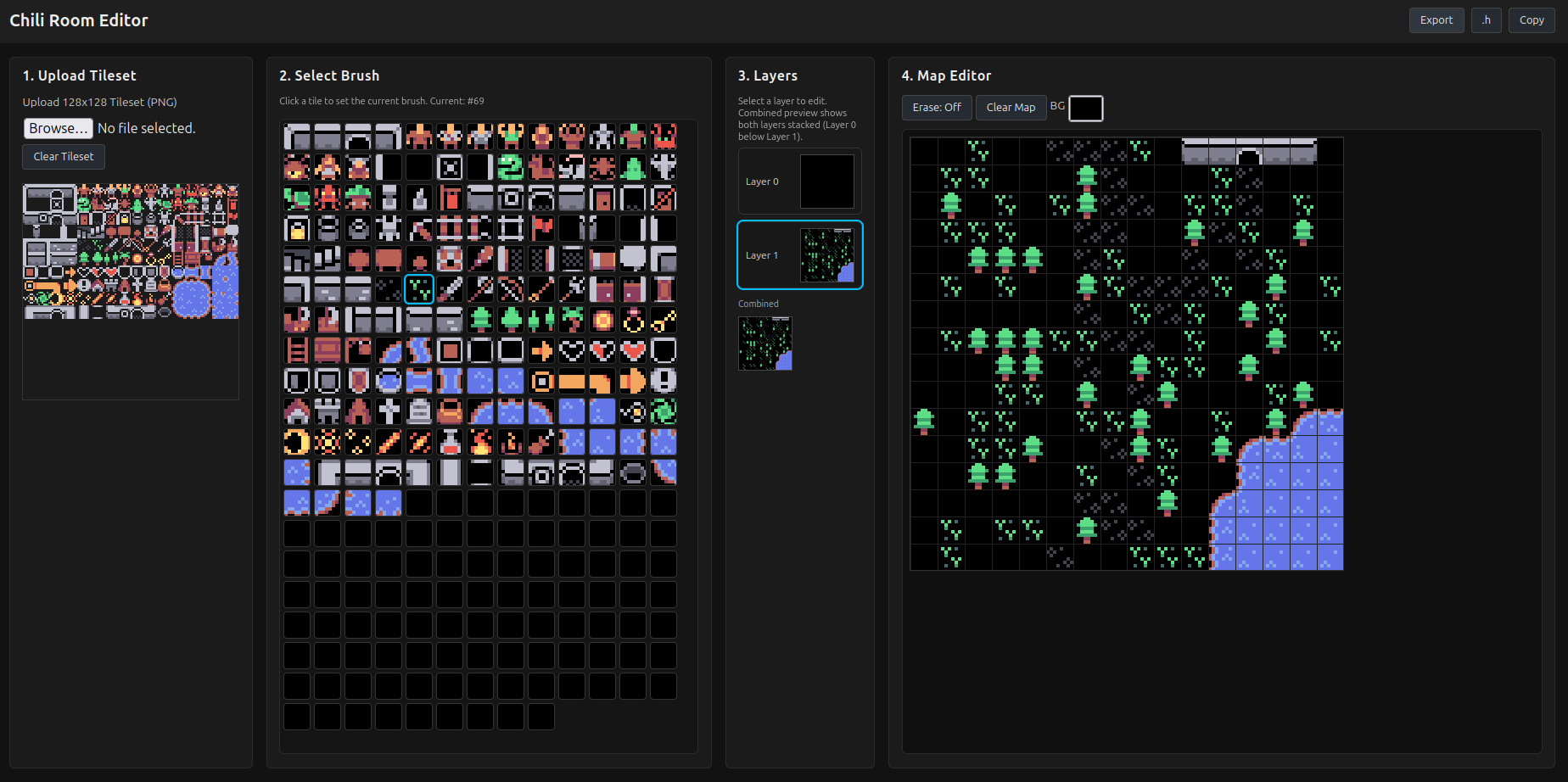
Build your own VGC Zero breadboard prototype with our open-source design files and step-by-step instructions today!
Bill of Materials #
To assemble your own VGC Zero breadboard prototype, you will need the following components:
- Raspberry Pi Pico 2 W Microcontroller - Raspberry Pi Official Website
- ST7735S 1.44" 128x128 SPI TFT Display - AliExpress
- Audio Amplifier Module (e.g., HXJ8002) - AliExpress
- Speaker (32 Ohm, ~0.5W) - AliExpress
- Tactile Push Buttons - AliExpress
- Breadboard and Jumper Wires - AliExpress
Schematic Diagram #
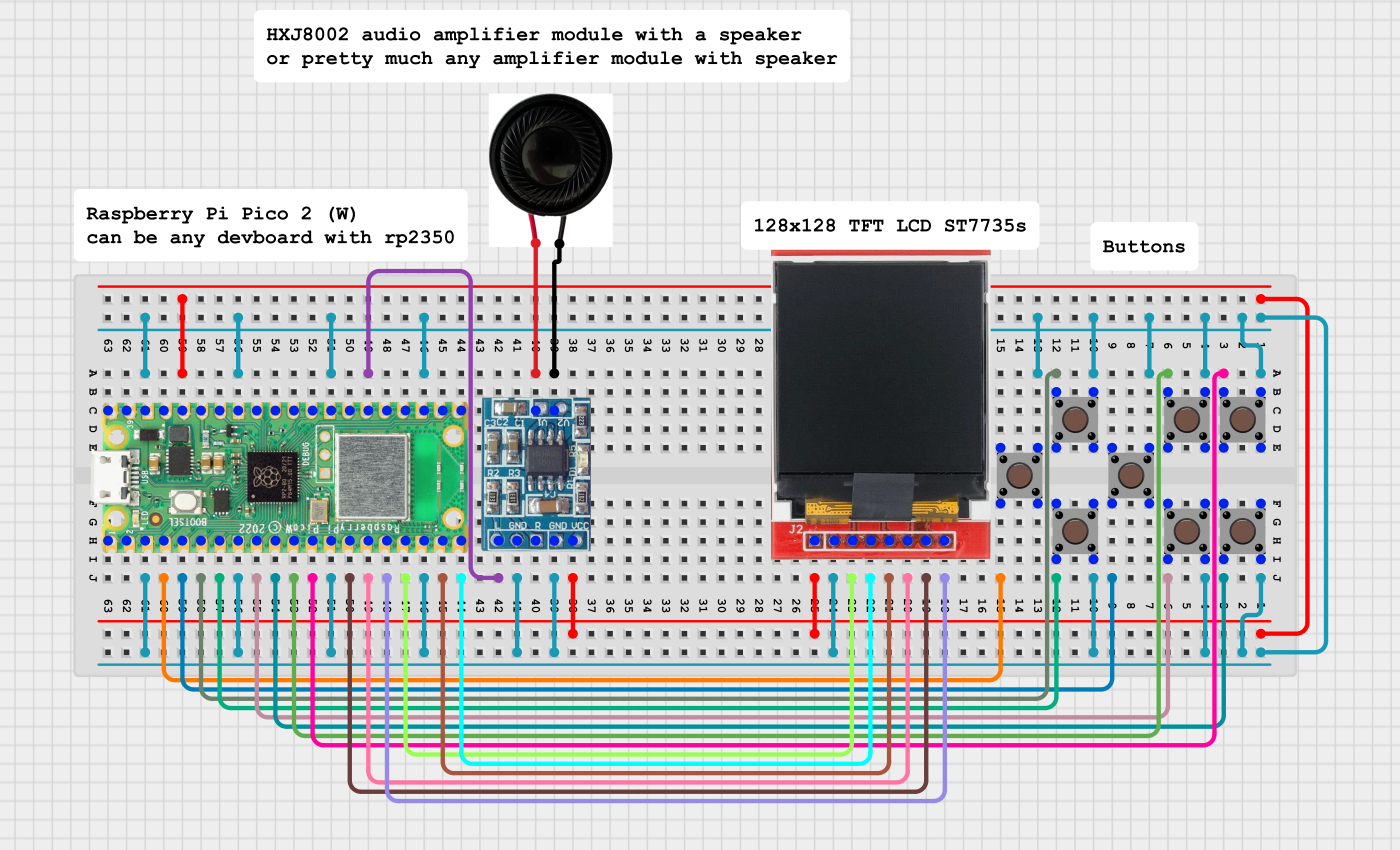
Below is the schematic diagram for the VGC Zero breadboard prototype. This diagram illustrates how to connect all the components together.
Simple Schematic #
Kicad Schematic #
Coming soon!
Assembly Instructions #
- Set Up the Breadboard: Place the Raspberry Pi Pico 2 W on the breadboard.
- Connect the Display: Wire the ST7735S display to the Raspberry Pi Pico according to the schematic.
- Add the Audio Module: Connect the audio amplifier module and speaker to the Raspberry Pi Pico.
- Install Buttons: Place the tactile push buttons on the breadboard and wire them to the appropriate GPIO pins on the Raspberry Pi Pico.
Software Instructions #
Ready-Made Games #
To get started quickly, you can download pre-compiled games for the VGC Zero from our GitHub page: chilichip
- Choose a game repository. For example, the “Chili Game of Life” can be found at chili-game-of-life.
- Download the compiled UF2 file from the repository’s releases section.
- Connect your Raspberry Pi Pico 2 W to your computer while holding the BOOTSEL button to enter bootloader mode.
- Copy the UF2 file to the Raspberry Pi Pico drive that appears on your computer.
- Done! The game should start running on your VGC Zero breadboard prototype.
Self-Development #
To develop your own games for the VGC Zero, follow these steps:
- Set Up the Development Environment: Follow the instructions in the chilichip’s 32blit SDK repository to set up your development environment. 32blit SDK
- Create a New Project: Use the game template to create a new repository for your game. Game Template
- Write Your Game Code: Implement your game logic using C++ and the 32blit SDK APIs.
- Build the game with CMake: Use CMake to compile your game into a UF2 file.
- Flash the Game: Connect your Raspberry Pi Pico 2 W in bootloader mode and copy the UF2 file to the device.
- Test and Iterate: Run your game on the VGC Zero breadboard prototype and make adjustments as needed.