↓ Skip to main content
Citsy
  1. Games/

Citsy

·208 words·1 min·
chilichip
Author
chilichip
Makers of VGC Zero, a tiny open-source handheld for playing and making games.
A little engine for little games — running natively on VGC Zero’s 128×128 screen.
Open game in a new tab

How to play
#

  • Arrow keys or WASD move the cursor and walk.
  • Press Z for A (confirm / interact / advance dialog).
  • Press X for B (back / cancel).
  • Press C or Escape for settings from the launcher.
  • Press Escape or 2 in-game for the pause overlay (Resume / Restart / Exit).

On mobile the embedded player is hidden; use the button to open it in a new tab.

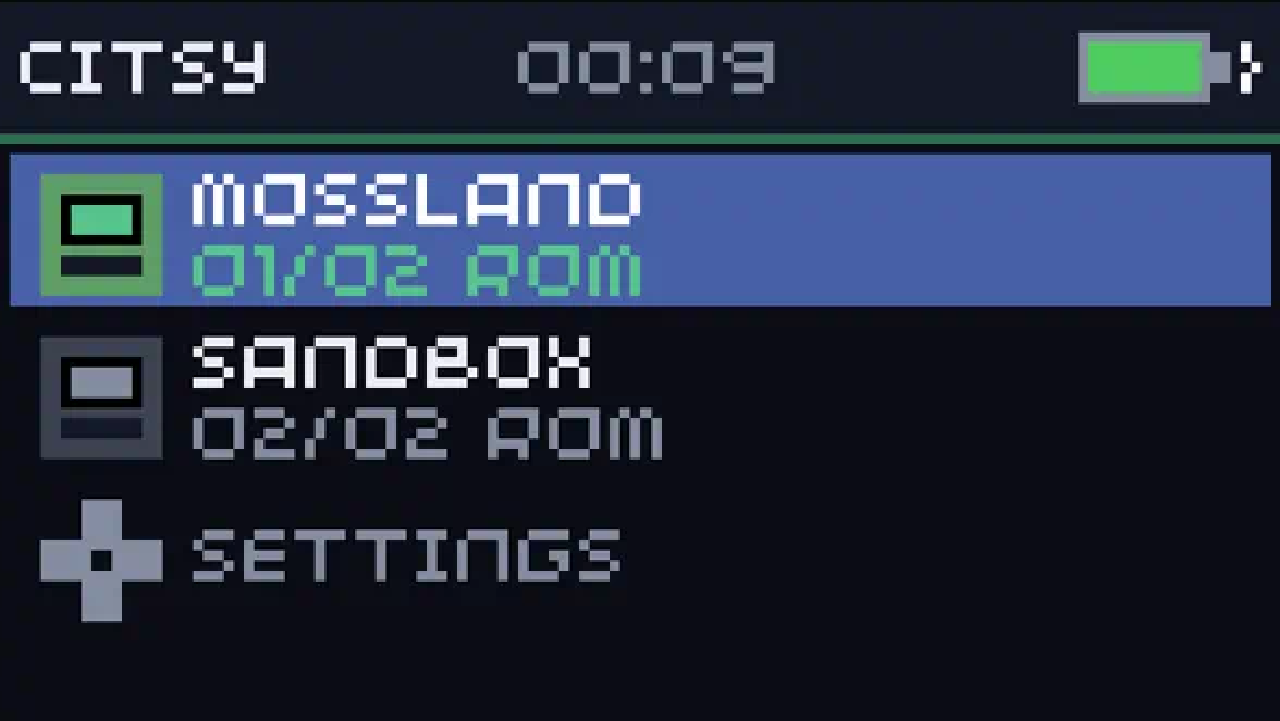
The launcher ships with Mossland and Sandbox. Drop your own .bitsy export next to the desktop binary, in a games/ folder, or on the handheld’s SD card and it appears in the same list.
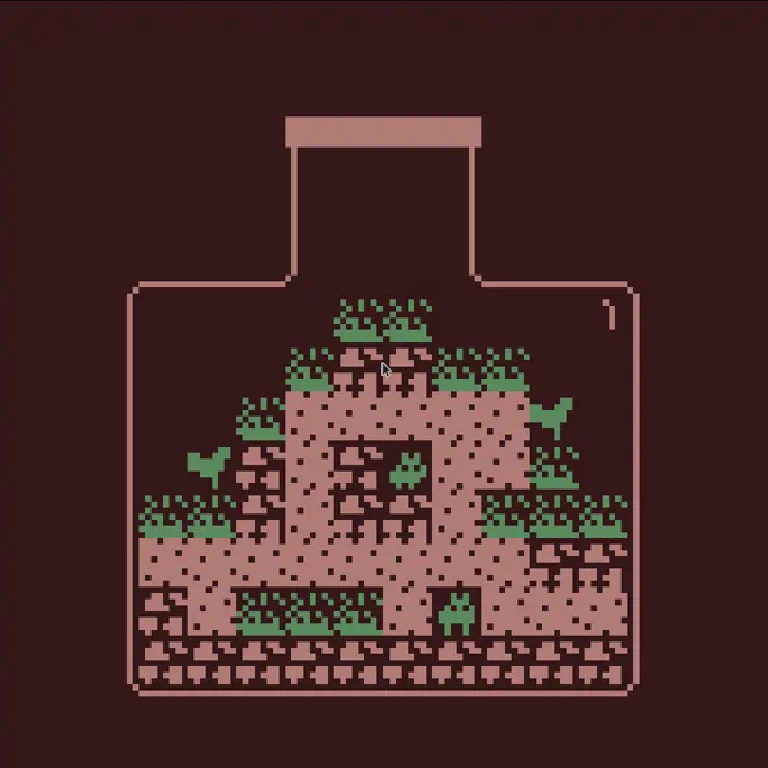
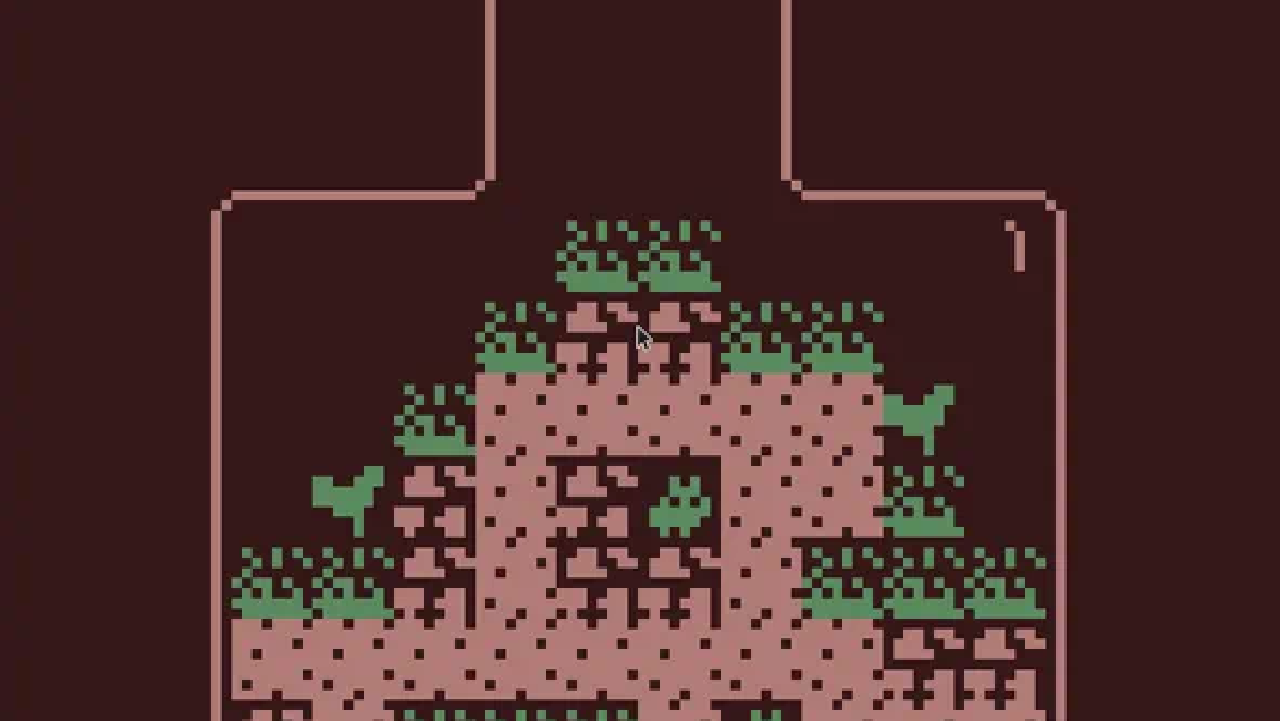
Mossland running in citsy
Mossland, a bundled Bitsy adventure

About the player
#

Citsy is a headless C++ reimplementation of the Bitsy engine. citsy-32blit is the 32blit host: it maps VGC Zero / desktop controls, blits the 128×128 framebuffer, and plays square-wave audio. Rooms are 16×16 tiles of 8×8 pixels — native resolution on the console.

Read the launch post: Announcing Citsy: Bitsy on VGC Zero.
Source code
#

Related

Announcing Citsy: Bitsy on VGC Zero

·1010 words·5 mins
🚀 Today we’re launching citsy — a native C++ runtime for Bitsy games, built for VGC Zero. Bitsy is the little engine for little games, worlds, and stories. Its rooms are 16×16 tiles of 8×8 pixels. That is exactly 128×128 — the same resolution as VGC Zero’s screen, and the same room size as the Chili Room Editor. No scaling tricks. One pixel on the editor is one pixel on the handheld.

Graphics - shapes

806 words·4 mins
This section covers the graphics capabilities and API of the Game SDK for VGC Zero. It includes information on basics of drawing and drawing shapes. Drawing basics # The Game SDK provides a variety of functions for drawing shapes, images, and text to the screen.

Graphics - sprites

441 words·3 mins
This section covers sprite handling and rendering capabilities of the Game SDK for VGC Zero. It includes information on loading sprites from assets, drawing them in various ways, and managing sprite collections.