The avatar #
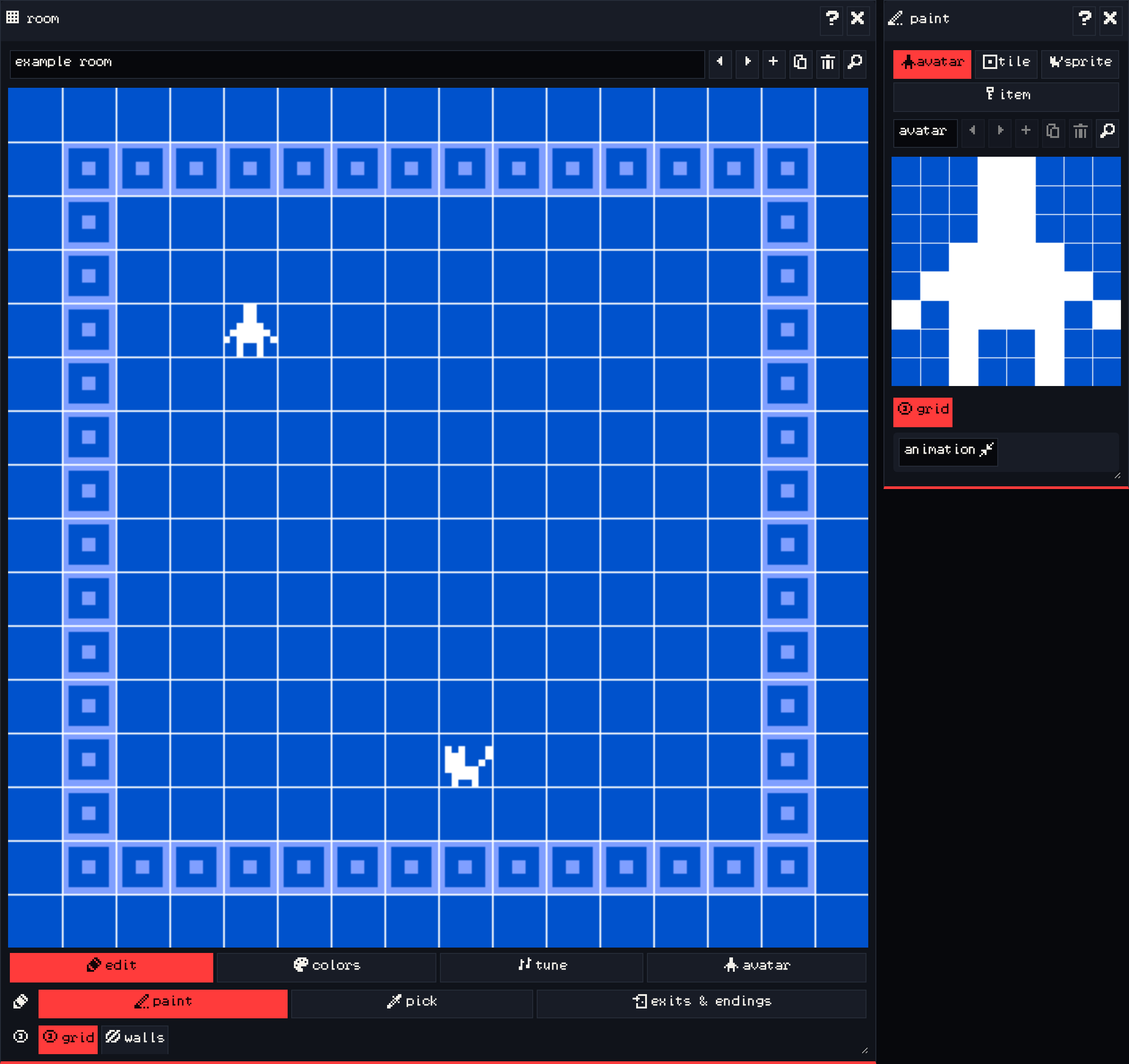
The avatar is the character the player moves around. There is exactly one.
- In the paint window, choose avatar and draw your character on the grid.
- In the room window, pick the paint tool and click where the avatar should start. The avatar moves to that spot; the room you place it in is the room the game starts in.
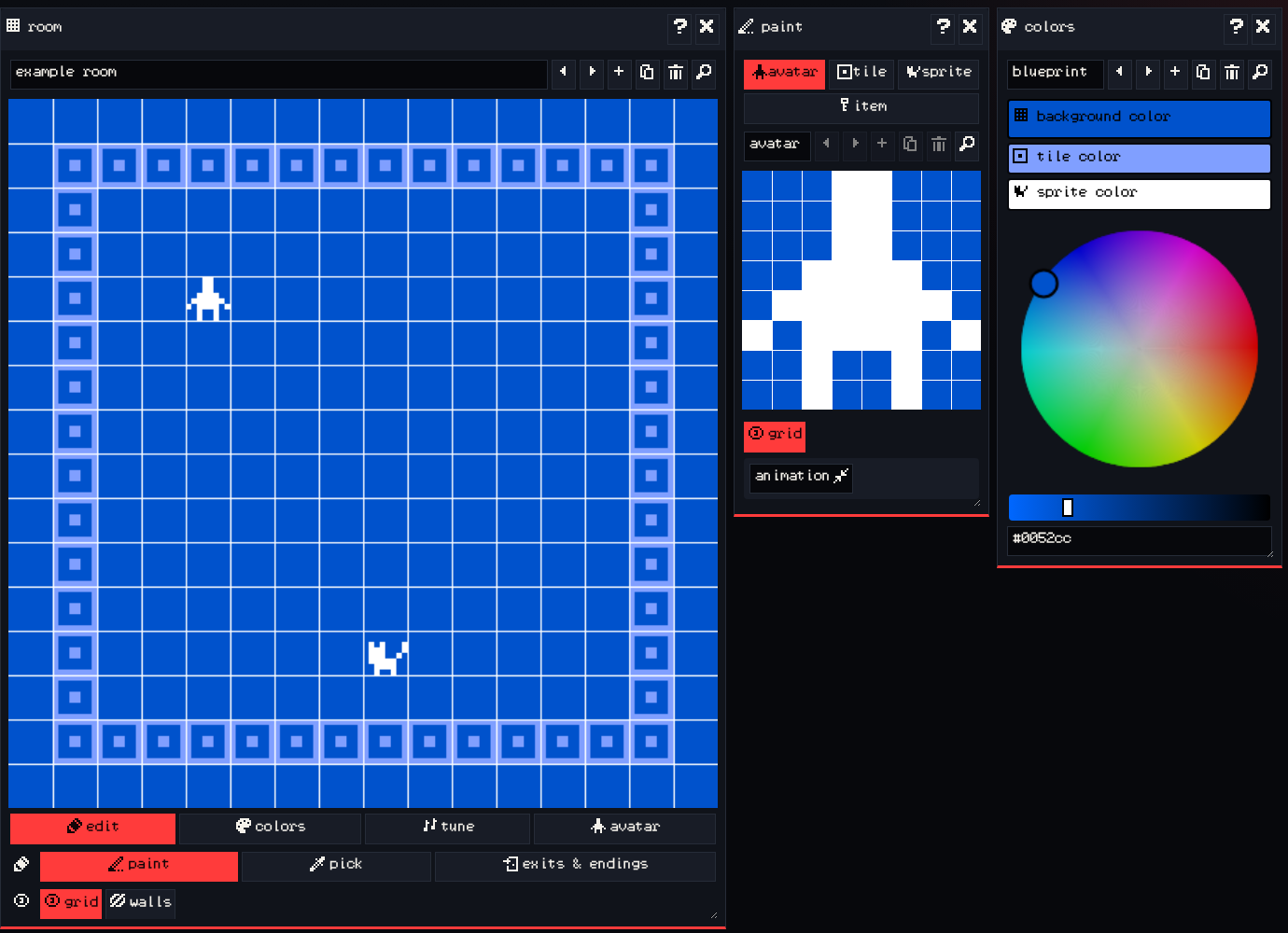
The avatar uses the room’s sprite color. To make it look different in one room, open the room window’s avatar tab and choose another drawing for that room.
Sprites #
Sprites are the characters and objects the avatar can talk to: a cat, a sign, a stranger by the fire. When the avatar walks into a sprite it does not move; instead the sprite’s dialog appears.
- In the paint window, choose sprite.
- Draw on the grid, or press add to make a new sprite.
- Give it a name, like
cat. - In the room window, click where the sprite should stand.
A sprite can be placed only once in your whole game. If you need the same character in two rooms, duplicate the sprite and place the copy.
What the sprite says #
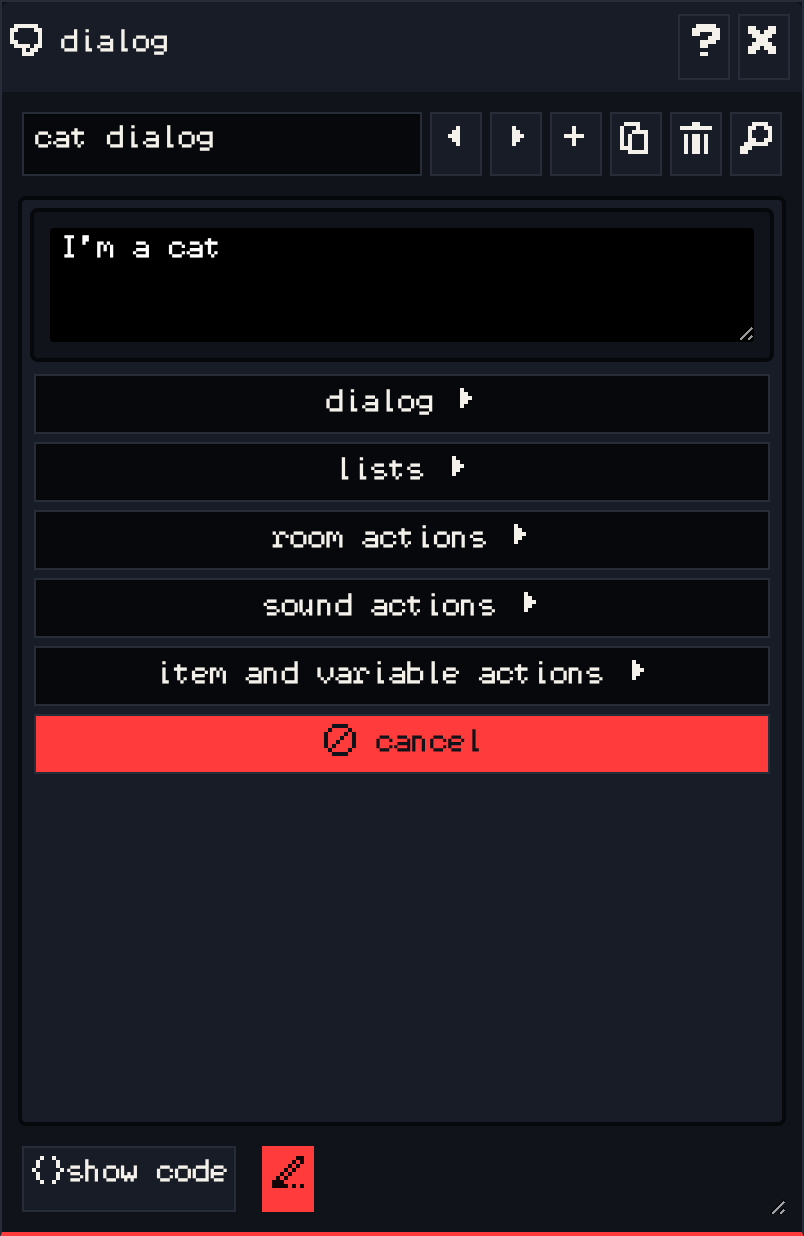
With the sprite selected in the paint window, the dialog window shows its text. Type what it should say, then press play and walk into it to try it out. Dialogue covers longer conversations, choices and conditions.
Tips #
- Keep characters inside 8×8. Small drawings read well at 128×128; a clear silhouette matters more than detail.
- Use animation so characters feel alive, even if frame 2 only moves one pixel.
- Signs, books and notes on a wall make good sprites: anything the player should “read” can be a sprite.
Next #
Give the player things to collect in Items.