Turn on a VGC Zero and say hello to ChiliChip OS! Your console now has a proper home: a bold, chili-red home screen with all your games lined up and ready to play. No more one game at a time. Put as many games on it as you like and pick one whenever you want.
Your games, front and center #
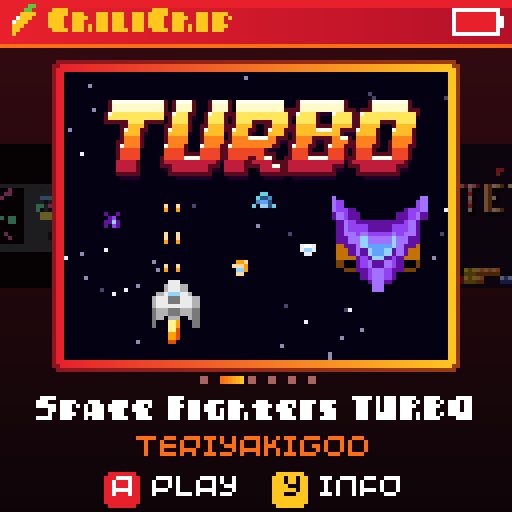
Every game you install gets its own big cover on the home screen. Flick left and right to browse, press A to play. Fresh games show up first, followed by the ones you played most recently, so your favourites are always close by.
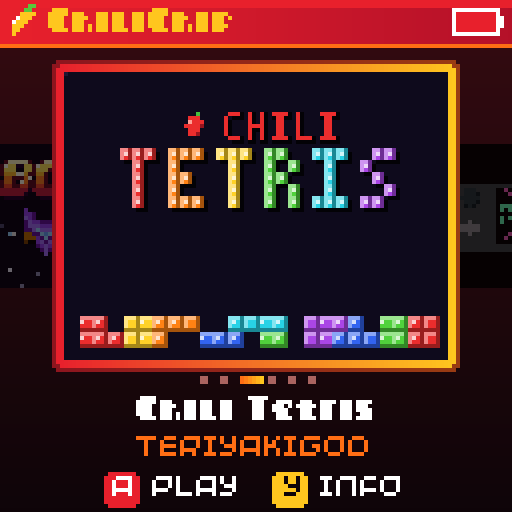
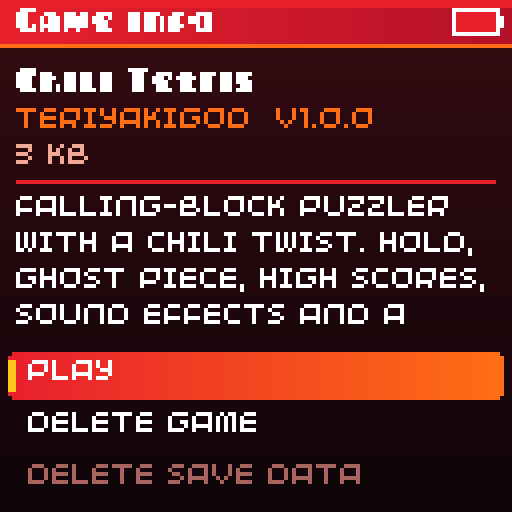
Want to know more about a game? Press Y for its info card: who made it, which version you have and what it is about. You can also delete a game from there when you need the space.
Adding games is drag and drop #
Plug your VGC Zero into a computer and a drive called CHILICHIP pops up. Drop your games onto it, eject, and watch the console install them with a little progress bar. That’s it. Updating a game works the same way, and your progress comes along for the ride.
If a file isn’t a game or something went wrong, the console tells you in plain words and leaves the file where it is.
Pause anytime #
Tap the HOME button in the middle of a game to pause it. From there you can turn the volume up or down, change the brightness, check your battery and head back home. Hold HOME to jump straight back to the home screen.
Your progress is safe #
Games can now save when you quit, so you won’t lose your run just because you went back home. Saves stay put when you update a game. And if you delete a game, the console asks whether you also want to throw away its save, just in case you change your mind later.
Settings made simple #
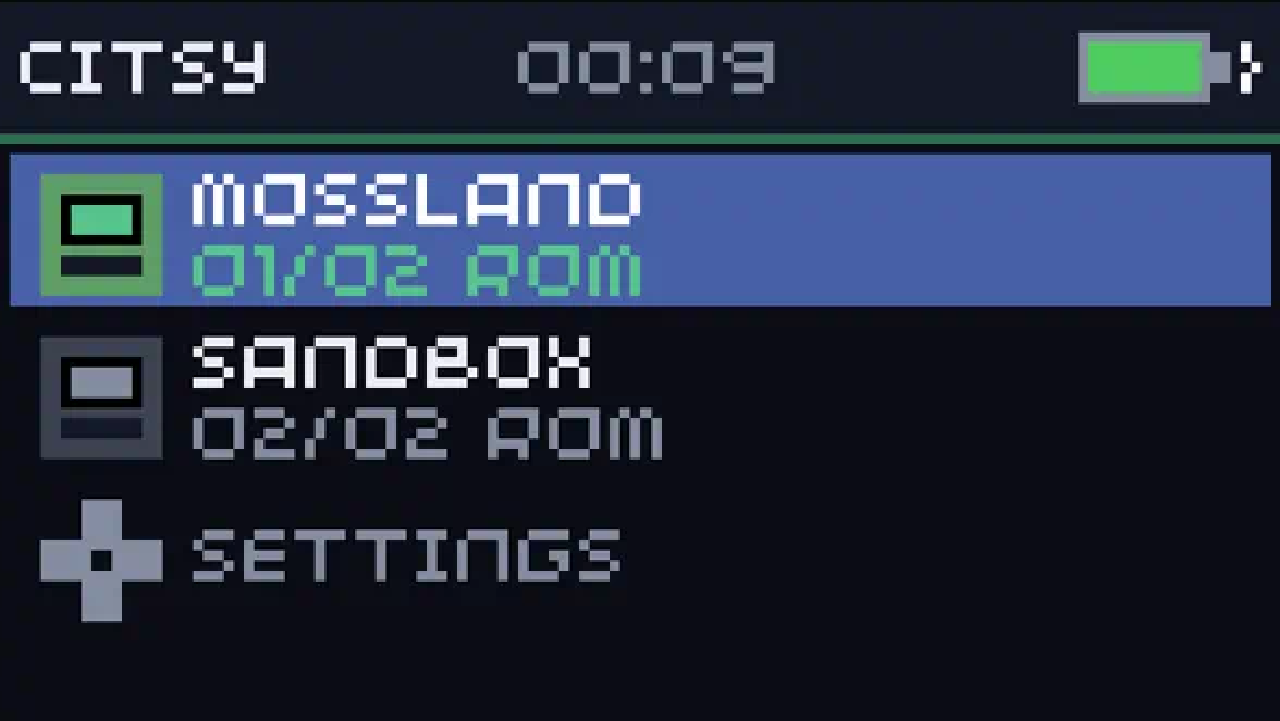
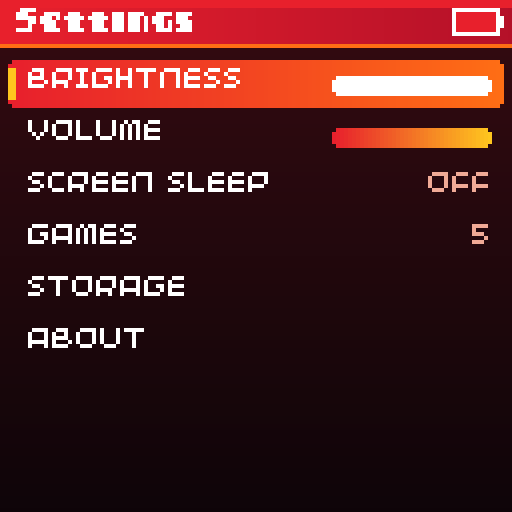
The last tile on the home screen (or the MENU button) opens Settings. Set your brightness and volume once and every game uses them. Turn on screen sleep and the screen dims and turns off after a while when you are not playing, which keeps your battery happy. Press any button to wake it up. You can also see how much space you have left and which version of ChiliChip OS you are running.
What’s next #
ChiliChip OS is the start of something we are really excited about. It is the home your games will land in when you make them in our no-code game creator or pick them up on the platform. We are still testing it on more consoles, so expect a few rounds of polish.
Got a VGC Zero? Give it a spin and tell us what you think! Come chat in the community forum, say hi on Discord, or open an issue on GitHub.